•
Poi
nt-and-shoot exposure mode
A
~:
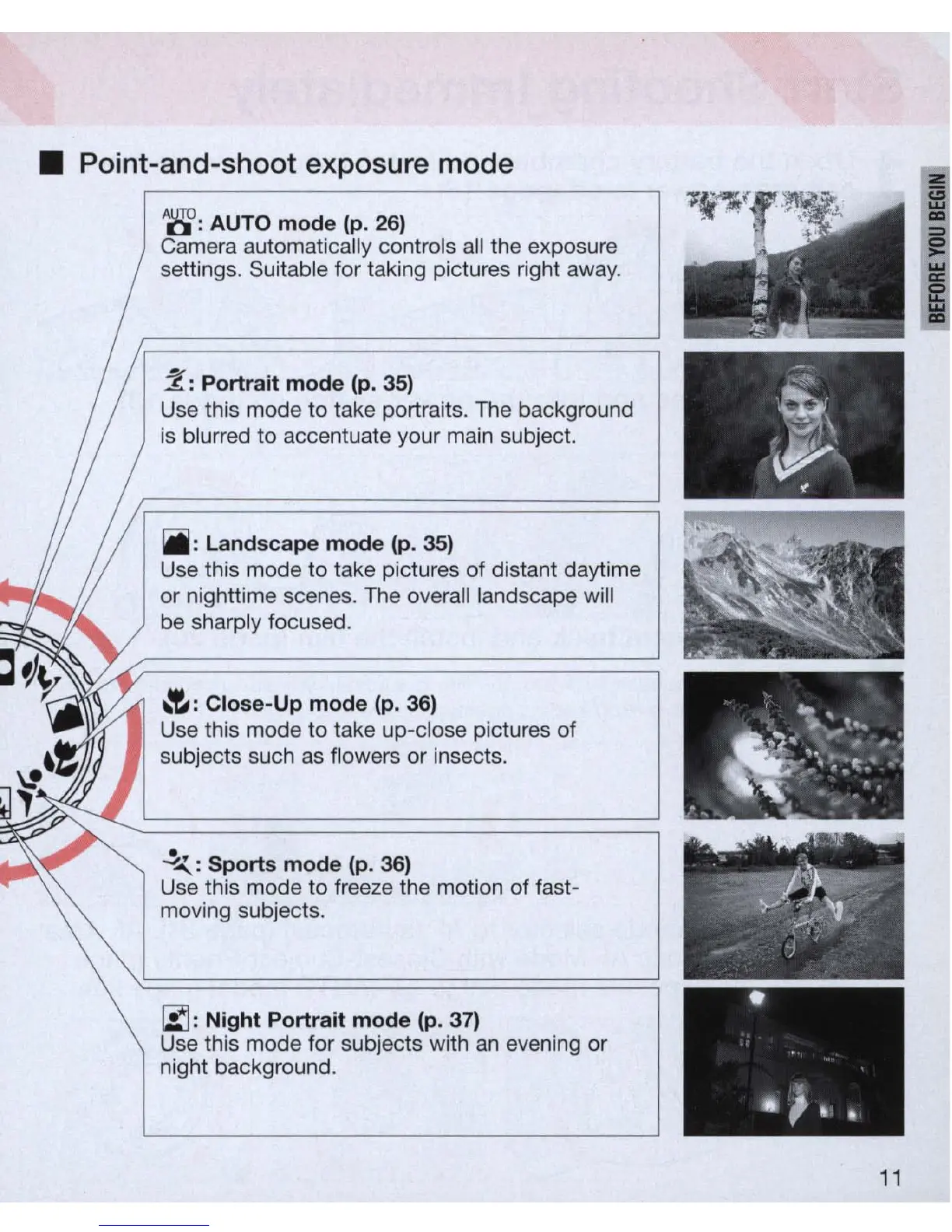
AUTO mode
(p
.
26)
Came
ra
automatically controls
all
the exposure
settings. Suitable for taking pictures right away.
2:
Portrait mode (p.
35)
Use this mode
to
take portraits. The background
is blurred
to
accentuate your main subject.
iii
: Landscape mode (
p.
35)
Use this mode
to
take pictures of distant daytime
or nighttime scenes. The overall landscape will
be sharply focused.
,,-e,
: Close-Up mode
(p
.
36)
Use this mode
to
take up-close pictures of
subjects such
as
flowers or insects.
~
:
Sports mode (p. 36)
Use this mode to freeze the motion of fast-
moving subjects.
r.:::J:
Night Portrait mode
(p
. 37)
Use this mode for subjects with
an
evening
or
night background.
•
•
111
"
~
11



 To Next Page