Auto-Multi Program
P:
Auto-Multi Program
The camera automatically controls exposure
to
achieve correct exposure
in
any shooting
situation. For more complex shooting, use
Flexible Program (page
55)
, Exposure
Compensation (page
64)
or Auto Exposure
Bracketing (page
66)
.
• P (Auto-Multi Program) can only be used with a
CPU Nikkor lens such
as
G- or D-type Nikkor (page
104).
~
Tip
Auto-Multi Program is best suited for snapshots .
. . . . . . . . . . . . . . . . . . . . . . . . . . . . . . . .
..
. . . . . . . . . . . . . . . . . . .
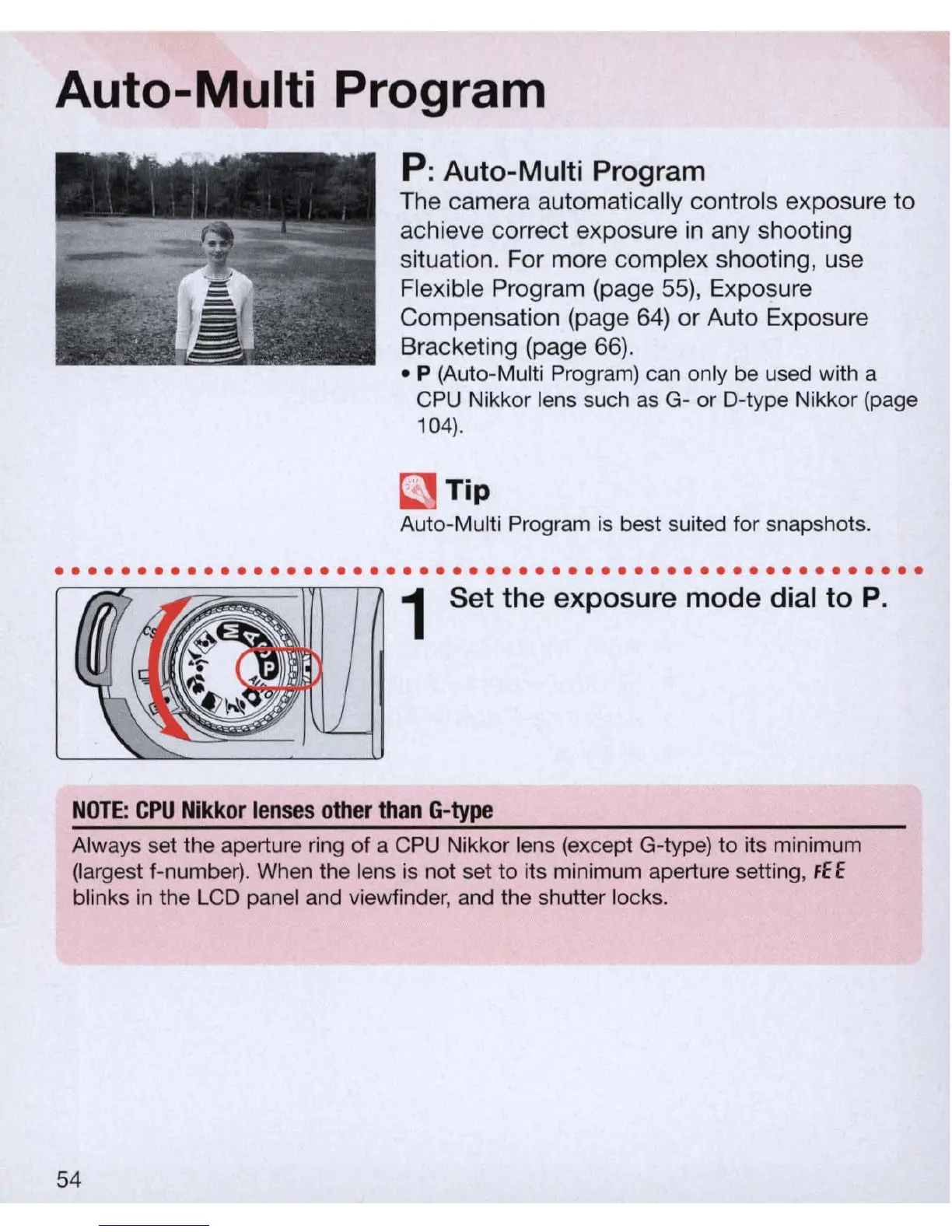
1 Set the exposure mode dial to
P.
NOTE:
CPU
Nikkor
lenses
other
than
G-type
Always set the aperture ring of a CPU Nikkor lens (except G-type) to its minimum
(largest f-number). When the lens
is
not set
to
its minimum aperture setting,
FE
E
blinks
in
the LCD panel and viewfinder, and the shutter locks.
54



 To Next Page