Set
Focus
Mode
and
AF
Area
Mode
Set focus mode
to
AF (autofocus) and AF Area mode
to
Dynamic AF Mode
with Closest-Subject Priority. (S
ee
pages 44 and 46 for details.)
.....................................................
1
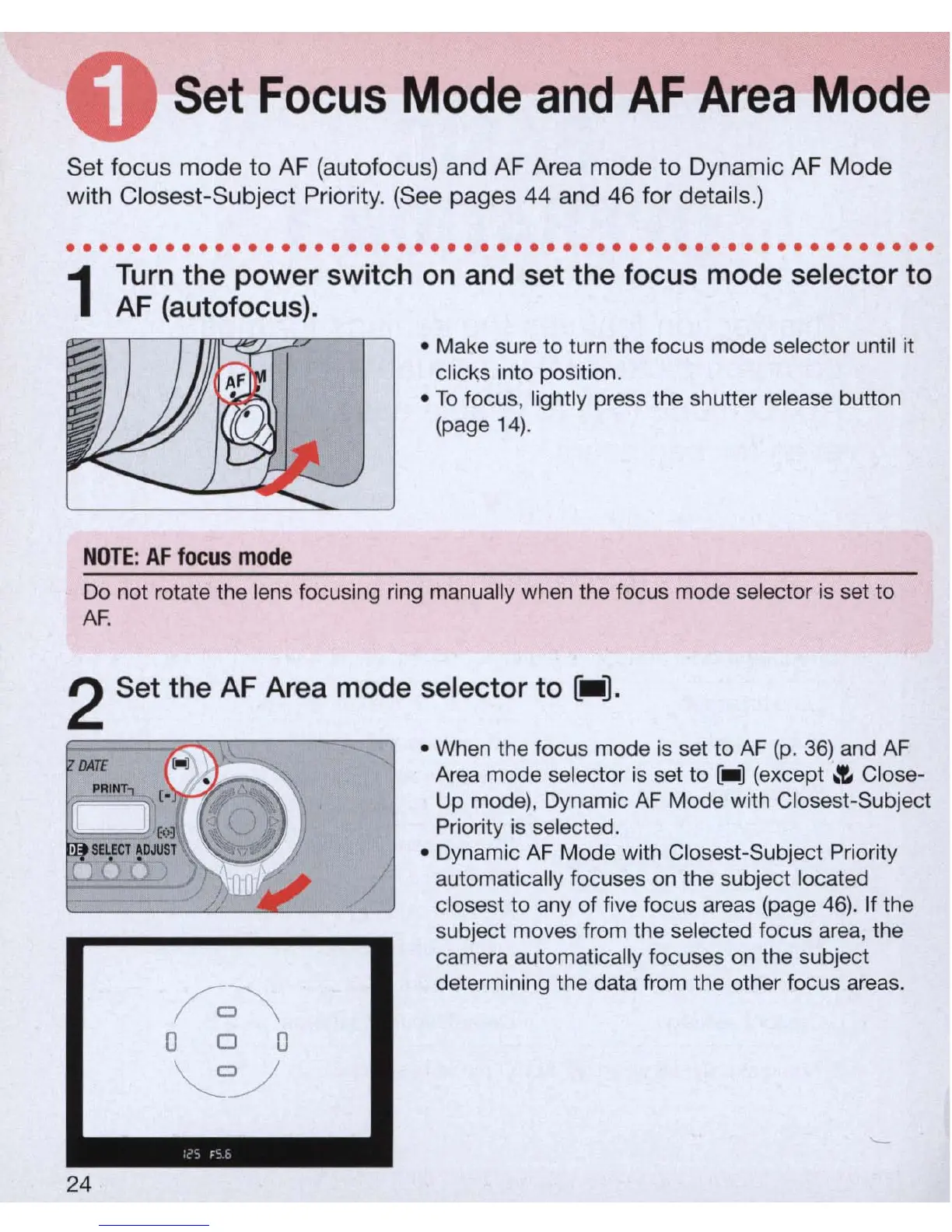
Turn
the power switch
on
and set the focus mode selector to
AF
(a
utofocus).
NOTE
:
AF
focus
mode
• Make sure to turn the focus mode selector until it
clicks into position.
•
To
focus, lightly press the shutter
re
lease button
(page 1
4).
Do not rotate the lens focusing ring manually when the focus mode selector
is
set to
AF
.
2 Set the AF Area mode selector to
[-].
24
• When the focus mode
is
set
to
AF
(p
.
36)
and
AF
Area mode selector is set to [_ ] (except
.'E.
Close-
Up mode), Dynamic
AF
Mode with Closest-Subject
Priority
is
selected.
• Dynamic
AF
Mode with Closest-Subject Priority
automatically focuses
on
the subject located
closest
to
any of
fi
ve focus areas (page
46)
. If the
subject moves from the selected focus area, the
camera automatically focuses
on
the subject
determining the data from the other focus areas.



 To Next Page