Depth-of-Field Preview
Electronic preview function
is
available with this camera. Depress the depth-
of-f
ield preview button
to
confi
rm
the depth of field through the viewfinder
(see page 102) .
. . . . . . . . . . . . . . . . . . . . . . . . . . .
..
. . .
..
. . . . . .
..
. . . . . . . . .
..
Check
point
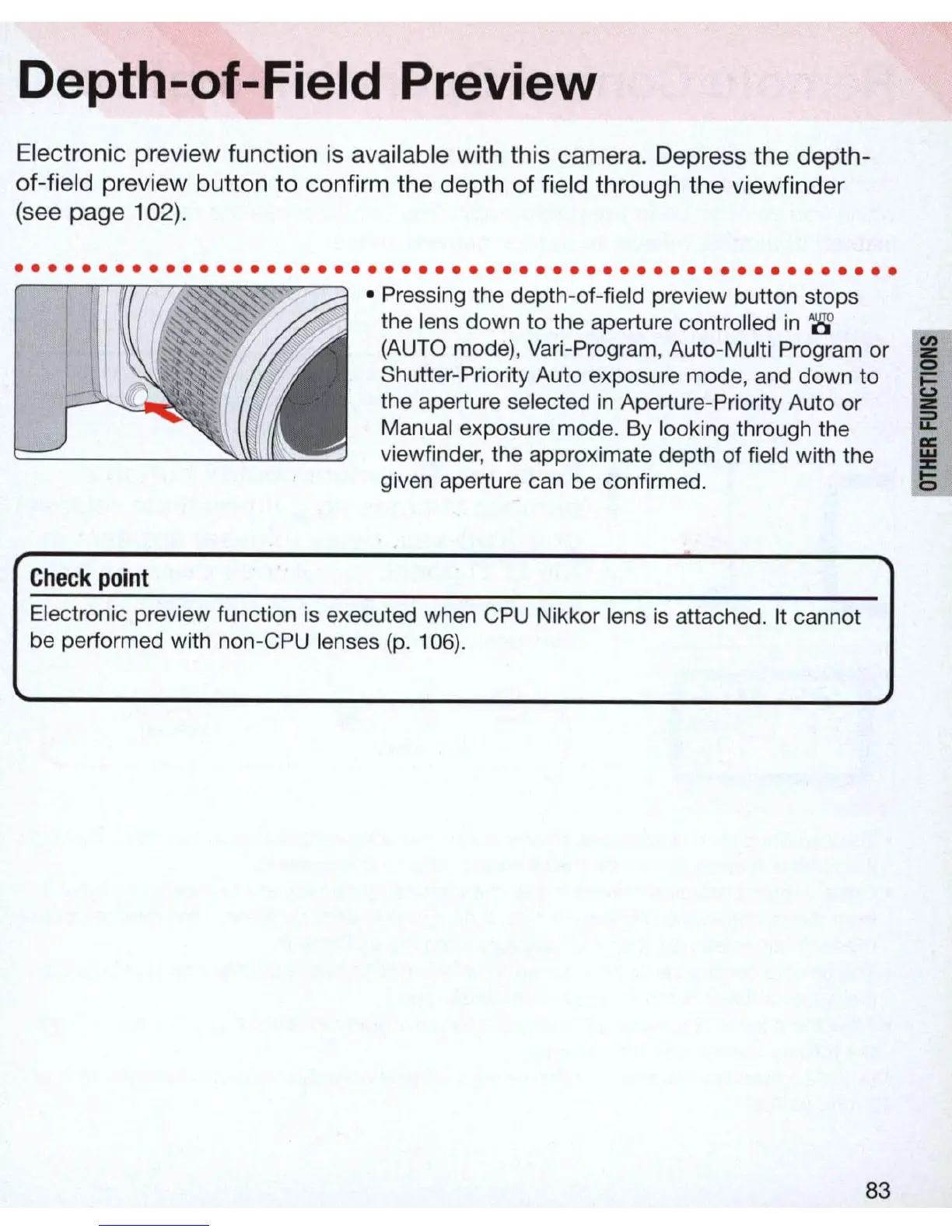
•
Pre
ssing the depth-of-f
ie
ld preview button stops
the lens down to the aperture controlled
in
'6
(AUTO mode
),
Var
i-Program, Auto-Multi Program or
Shutter-Priority Auto exposure mode, and down
to
the aperture selected
in
Aperture-Priority Auto or
Manual exposure mode. By looking through the
viewfinder, the approximate depth of field with the
given aperture can be confirmed.
Electronic preview function is executed when CPU Nikkor lens
is
attached. It cannot
be performed with non-C
PU
lenses
(p.
106).
83



 To Next Page