[;;J
/
b:J
: Rear-Curtain Sync
Rear-Curtain Sync can be used
in
P, S, A, or M exposure
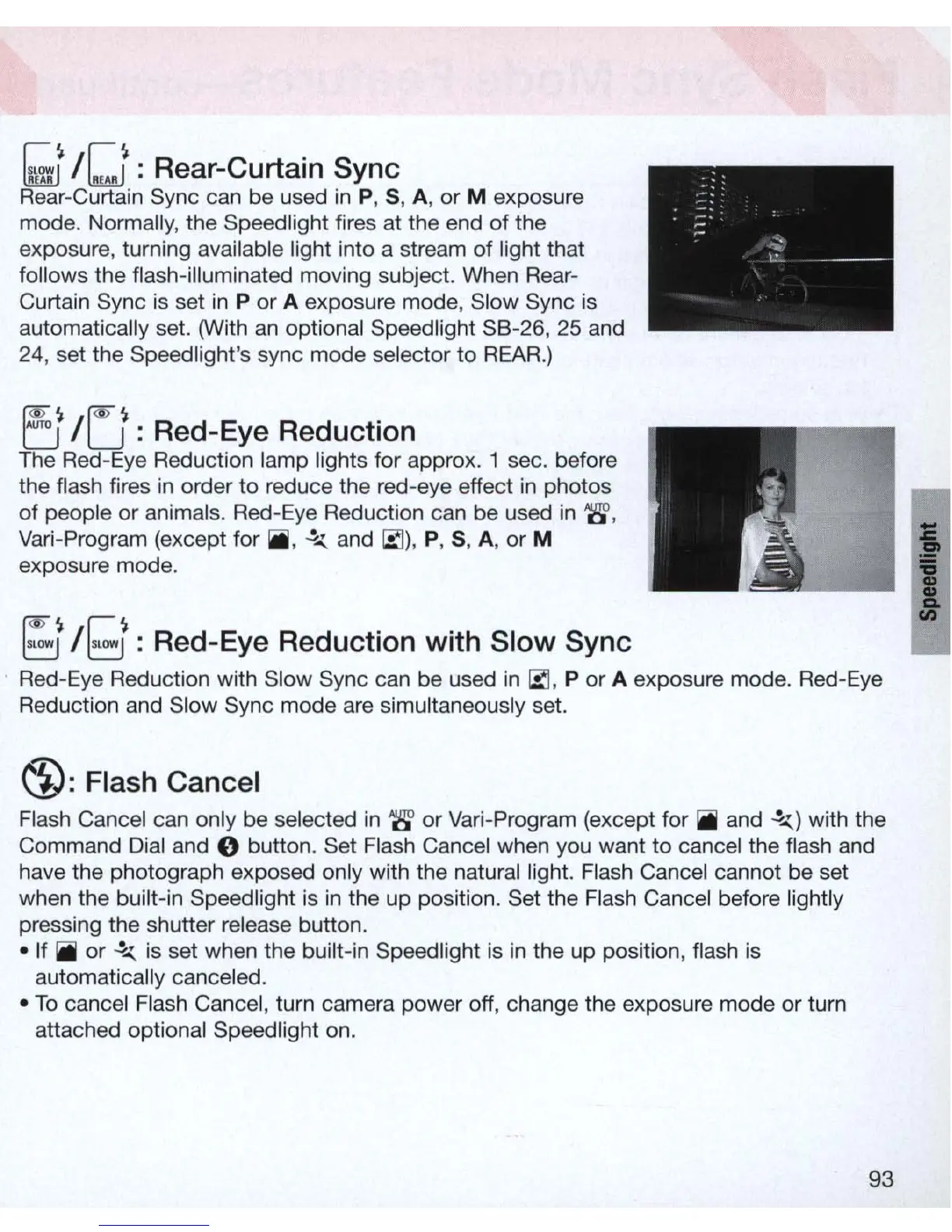
mode. Normally, the Speed light fires at the end of the
exposure, turning available light into a stream of light that
follows the flash-illuminated moving subject. When Rear-
Curtain Sync is set
in
P
or
A exposure mode, Slow Sync
is
automatically set. (With
an
optional Speed light S8-26, 25 and
24
, set the Speed light's sync mode selector to
REAR
.)
~~
f<O'~
U / u : Red-Eye Reduction
The Red-Eye Reduction lamp lights for approx. 1 sec. before
the flash fires
in
order
to
reduce the red-eye effect
in
photos
of
people
or
animals. Red-Eye Reduction can be used
in
'8',
Vari-Program (except for iii,
~
and
~)
,
P, S, A, or M
exposure mode.
[;;t
/g : Red-Eye Reducti
on
with Slow Sync
Red-Eye Reduction with Sl
ow
Sync can be used
in
~,
P or A exposure mode. Red-Eye
Reducti
on
and Sl
ow
Sync mode are simultaneously set.
~:
Flash Cancel
Flash Cancel can only be selected
in
'8' or Vari-Program (except for
iii
and
.!....:.)
with the
Command Dial and
0 button. Set Flash Cancel when you want to cancel the flash and
have the photograph exposed only with the natural light. Flash Cancel cannot be set
when the built-in Speed light is
in
the up positi
on
. Set the Flash Cancel before
li
ghtly
pressing the shutter release button .
• If
iii
or
.!....:.
is set when the built-in Speedlight is
in
the up position, flash is
automatically canceled .
•
To
cancel Flash Cancel, tu
rn
camera power off, change the exposure mode or tu
rn
attached optional Speed light on.
93
I



 To Next Page