• Focus indicator appears or blinks
as
follows:
• appears: Subject is
in
focus.
, 1/
"/
r, blinks: Unable to focus using autofocus .
• With dark subjects, the camera's AF-Assist Illuminator (page
50)
is
automatically
activated
to
guide autofocus (except
in
iii
or
.!....:.)
.
t!!11lillJ
: : In-focus beep sound can be set not to be e
mitt
ed (p. 7
4).
Check
points
• Diopter adjustment (page
82)
enables you to see more clearly through the
viewfinder.
•
To
take a picture of a subject outside the focus area, shift the focus area (page
48)
or
use focus lock (page
52)
.
• In situations where autofocus may not work as expected, see page
25
.
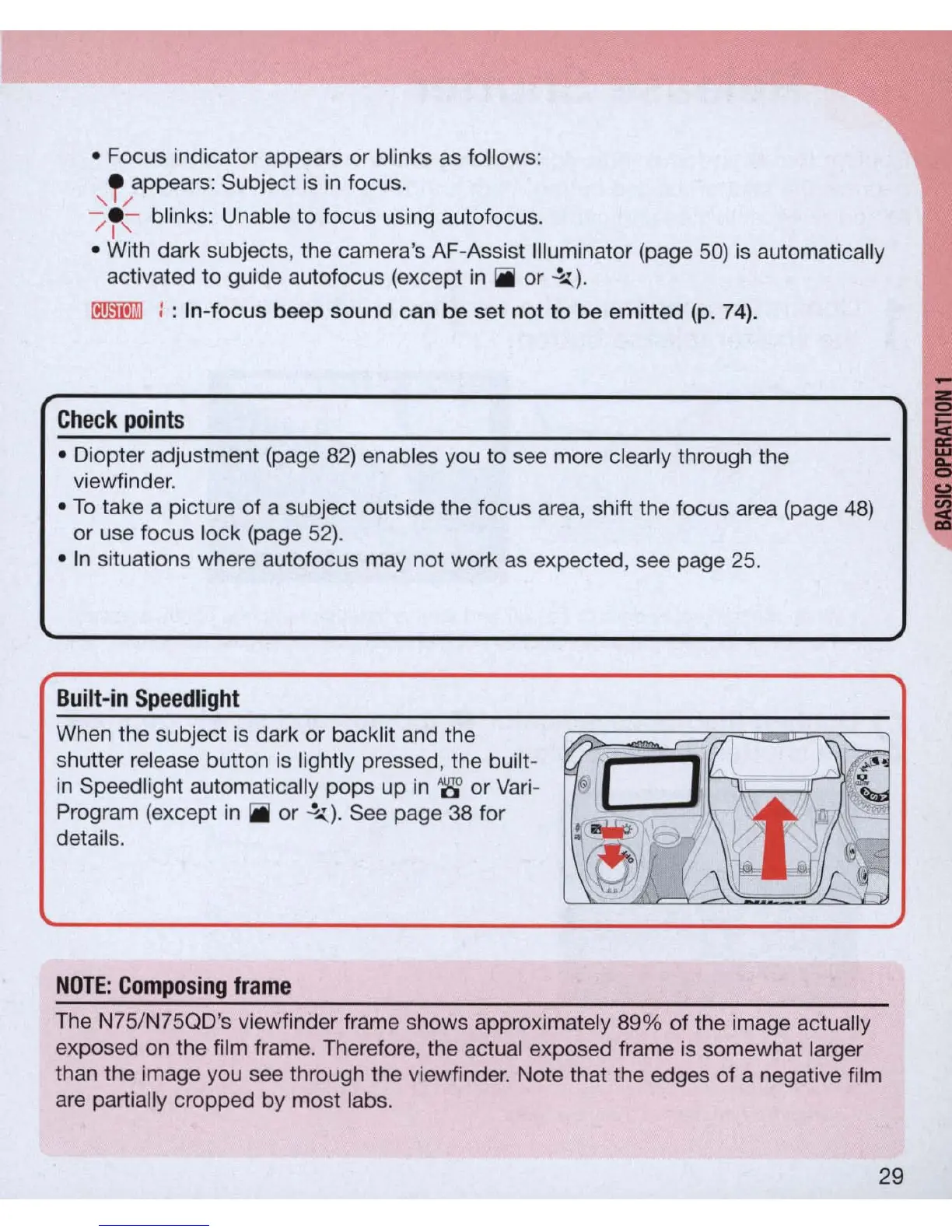
Built-in
Speedlight
Wh
en
the subject is dark
or
back
li
t and the
shutter release button
is
lightly pressed, the built-
in
Speed light automatically pops up
in
'8' or Vari-
Program (except
in
iii
or
.!....:.)
. See page 38 for
details.
NOTE
:
Composing
frame
The N75/N75QD's viewfinder frame shows approximately
89
% of the image actually
exposed
on
the film frame. Therefore, the actual exposed frame is somewhat larger
than the image you see through the viewfinder. Note that the edges of a negative film
are partially cropped by most labs.
29



 To Next Page