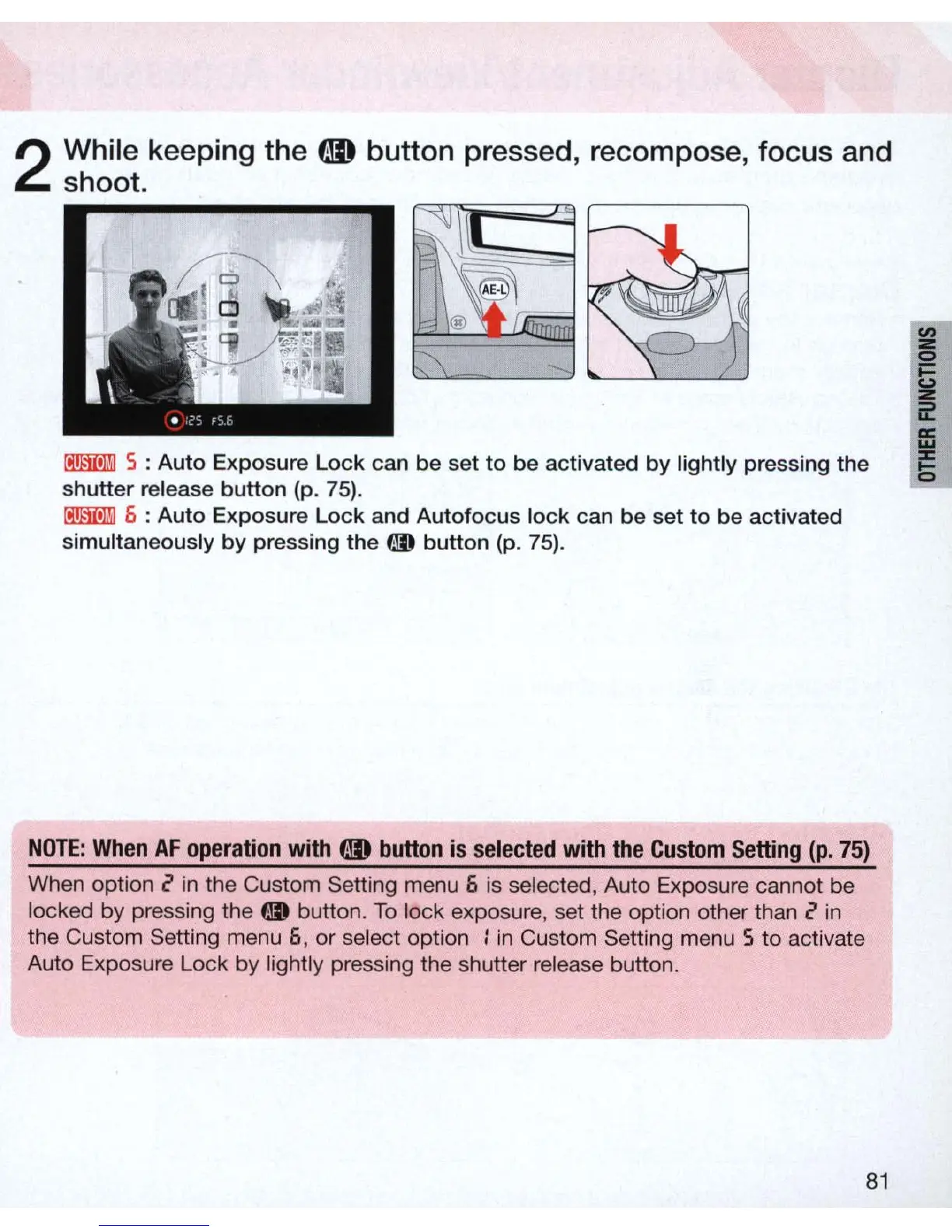
2
While keeping the
CD
button
pressed, recompose,
focus
and
shoot.
~
5 : Auto Exposure
Lock
can be set
to
be activated
by
lightly pressing the
shutter release button (p. 75).
~
6 : Auto Exposure
Lock
and Autofocus lock can be set
to
be activated
simultaneously
by
pressing the
00
button (p.
75).
NO
TE:
When
AF
ope
r
ation
wi
th
CD
button
is
selected
with
the
Custom
Setting
(p.
75)
When option 2
in
the Custom Setting menu 6 is selected, Auto Exposure cannot be
locked by pressing the
t1D
button.
To
lock exposure, set the option other than 2
in
the Custom Setting menu 6, or select option :
in
Custom Setting menu 5 to activate
Auto Exposure Lock by lightly pressing the shutter release button.
81



 To Next Page