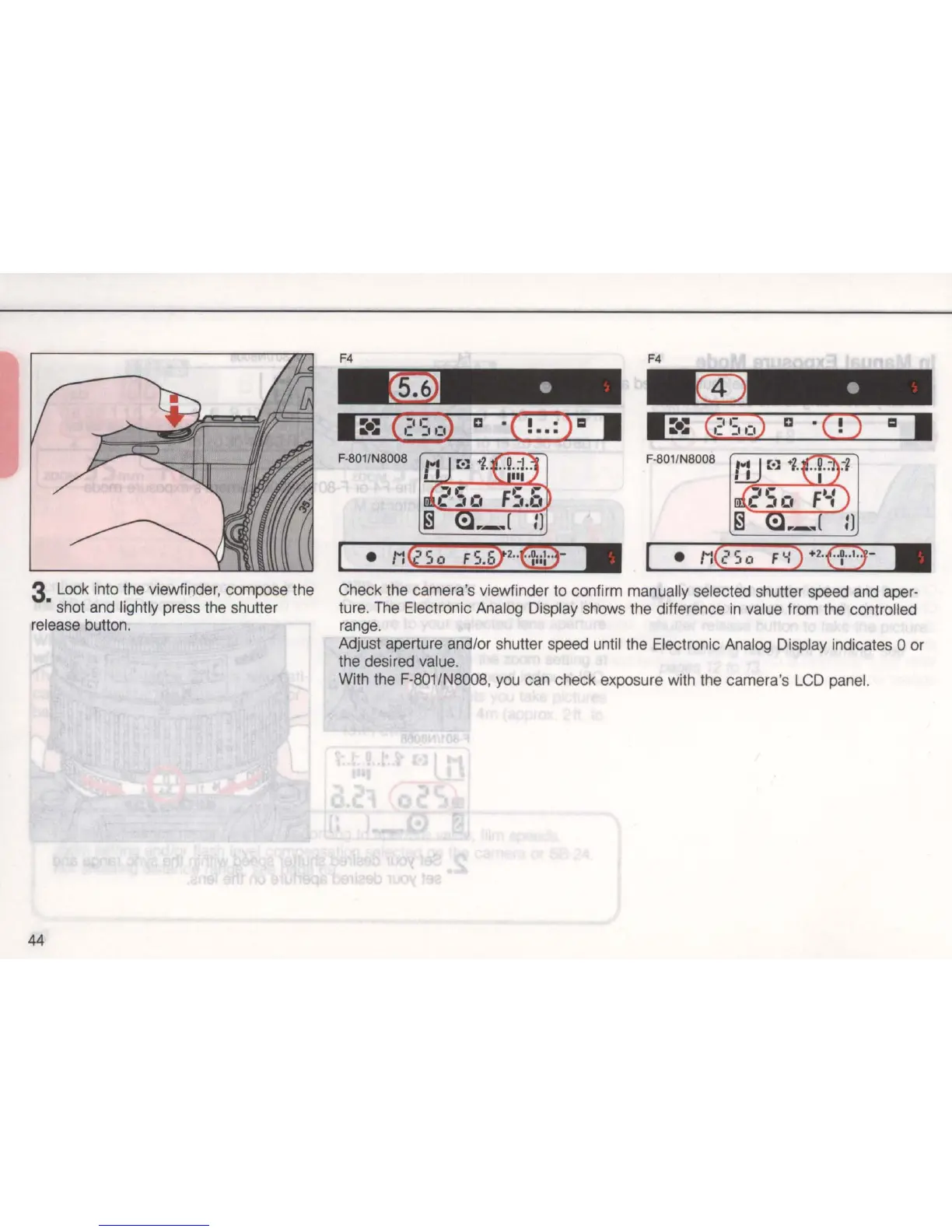
3 Look into the viewfir]der, compose the
• shot and lightly press the shutter
release button.
44
F4
m ·
1:_:
(.:
II:II:
~
c 'C !
..
:) = I
F-801
/N8008 F-801/N8008
Check the camera's viewfinder to confirm manually selected shutter speed and aper-
ture.
The
Electronic Analog Display shows the difference
in
value from the controlled
range.
Adjust aperture and/or shutter speed until the Electronic Analog Display indicates 0 or
the desired
value_
With the F-801/N8008, you can check exposure with the camera's
LCD
panel.



 To Next Page