SETTING
POWER
SWITCH--'--"---------------
J
To
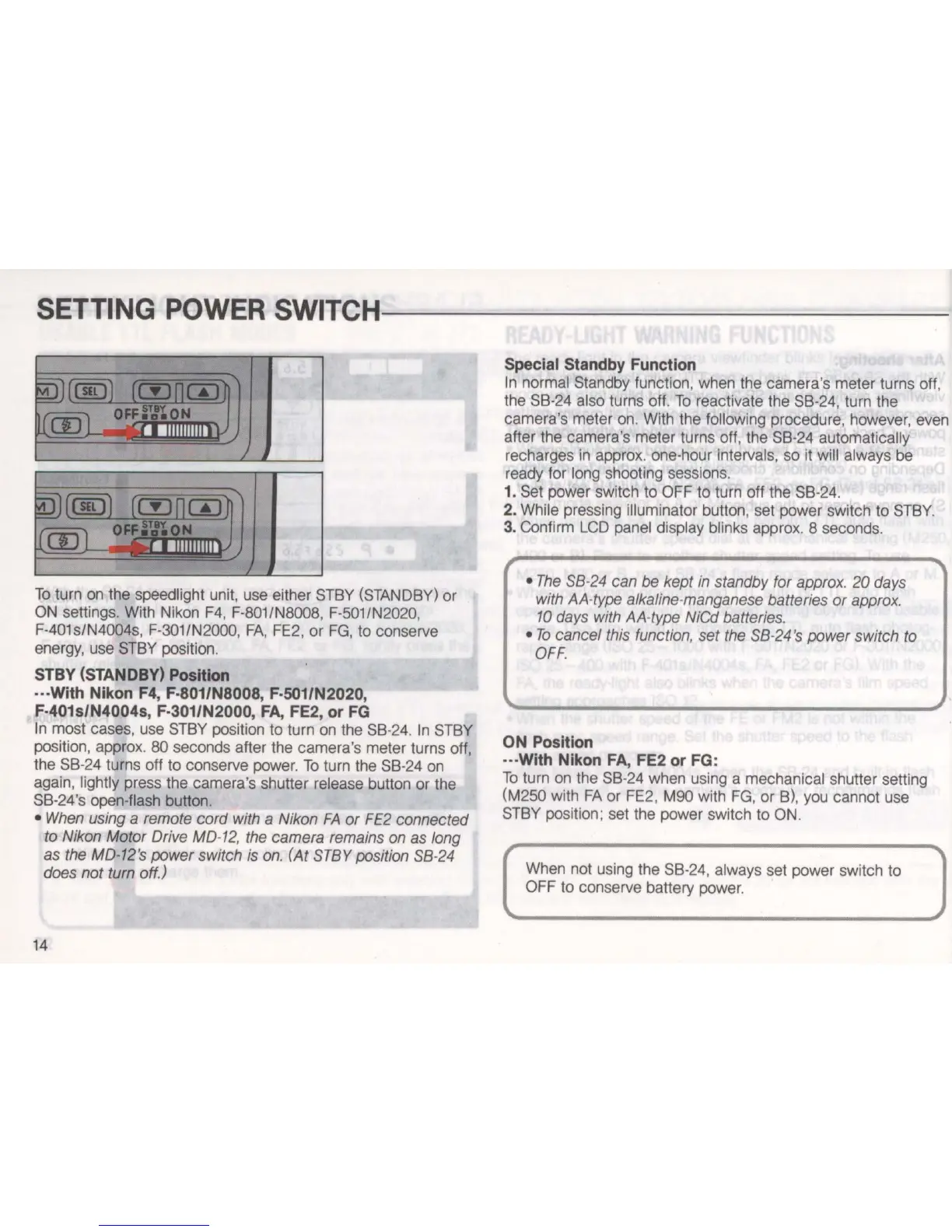
turn on the speedlight unit, use either 8TBY (8TANDBY) or
ON
settings. With Nikon
F4
, F-801/N8008, F-501/N2020,
F-401s/N4004s, F-301/N2000,
FA,
FE2, or
FG
, to conserve
energy, use 8TBY position.
STBY (STANDBY) Position
···With Nikon F4, F·801/N8008, F·501/N2020,
F·401s/N4004s, F·301/N2000,
FA,
FE2, or
FG
In
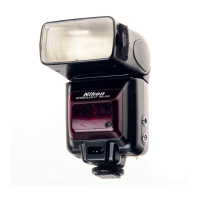
most cases, use 8TBY position to turn on the 8B-24.
In
8TBY
position, approx.
80 seconds after the camera
's
meter turns off,
the 8B-24 turns off to conserve power.
To
turn the 8B-24 on
again, lightly press the camera's shutter release button
or
the
8B-24's open-flash button.
•
When
using
a
remote
cord
with
a
Nikon
FA
or
FE2
connected
to
Nikon
Motor
Drive
MD
-
12
,
the
camera
remains
on
as
long
as
the
MD-12
's
power switch
is
on
. (At
STBY
position
SB
-
24
does
not
turn
off.)
14
Special Standby Function
In
normal 8tandby function, when the camera's meter turns off,
the 8B-24 also turns off.
To
reactivate the 8B-24, turn the
camera's meter on. With the following procedure, however, even
after the camera's meter turns off, the 8B-24 automatically
recharges
in
approx. one-hour intervals, so it will always be
ready for long shooting sessions.
1_
8et power switch to OFF to turn off the
8B
-
24.
2. While pressing illuminator button, set power switch to 8TBY.
3. Confirm
LCD
panel display blinks approx. 8 seconds.
•
The
SB
-
24
can
be
kept
in
standby for
approx.
20
days
with
AA
-
type
alkaline-
manganese
batteries or
approx
.
10
days
with
AMype
NiCd
batteries.
•
To
cancel
this
function,
set
the
SB
-
24
's power switch
to
OFF
.
ON Position
···With Nikon
FA,
FE2 or FG:
To
turn
on
the 8B-24 when using a mechanical shutter setting
(M250 with
FA
or FE2,
MOO
with
FG
,
or
B), you cannot use
8TBY position: set the power switch to ON.
When not using the
8B
-2
4, always set power switch to
OFF to conserve battery power.


 To Next Page