D-21
D
Wireless Multiple Flash-unit Photography
En-03
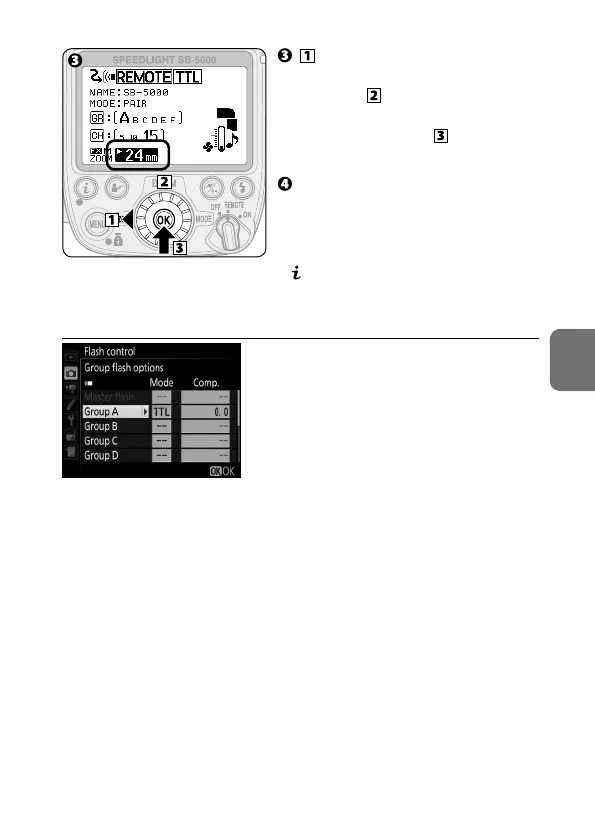
Press the rotary multi selector
4 to highlight the zoom head
position, use the rotary multi
selector to choose a zoom head
position, and then press the
OK button (0B-6).
Check the status of the flash
units, and then shoot.
• Group, channel and zoom head
position can also be configured in
menu (0B-9).
t Setting the flash functions on a camera
Use camera menu to make settings.
• For details, see the camera user’s
manual.



 To Next Page