E-10
E
Functions
En-03
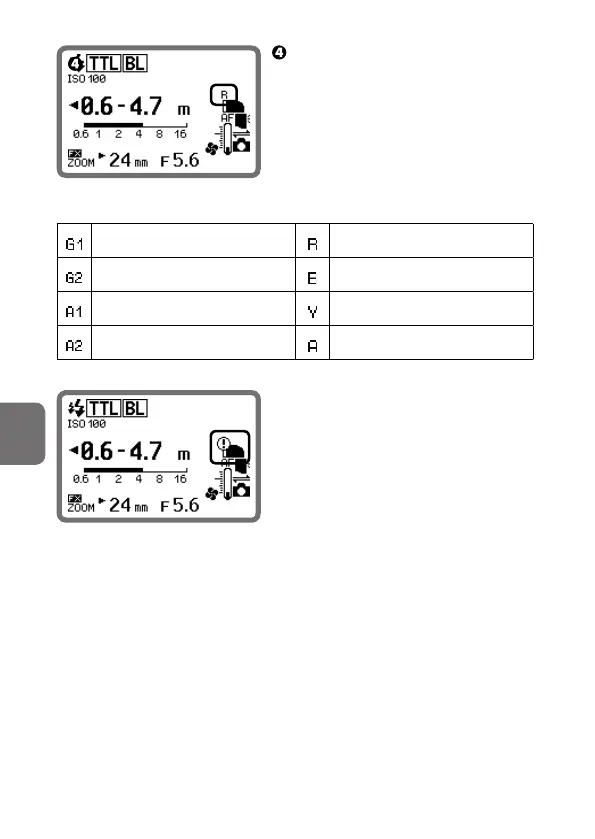
Check the LCD.
• The filter type is displayed.
• Be sure that nothing obstructs the
filter detector.
Red filter is attached
FL-G1 (uorescent lter) RED
FL-G2 (uorescent lter) BLUE
TN-A1 (incandescent lter) YELLOW
TN-A2 (incandescent lter) AMBER
• When the filter is not properly
attached, the warning indicator
shown left appears. Remove the filter
and reattach.
Warning indicator



 To Next Page