93
■
■
■
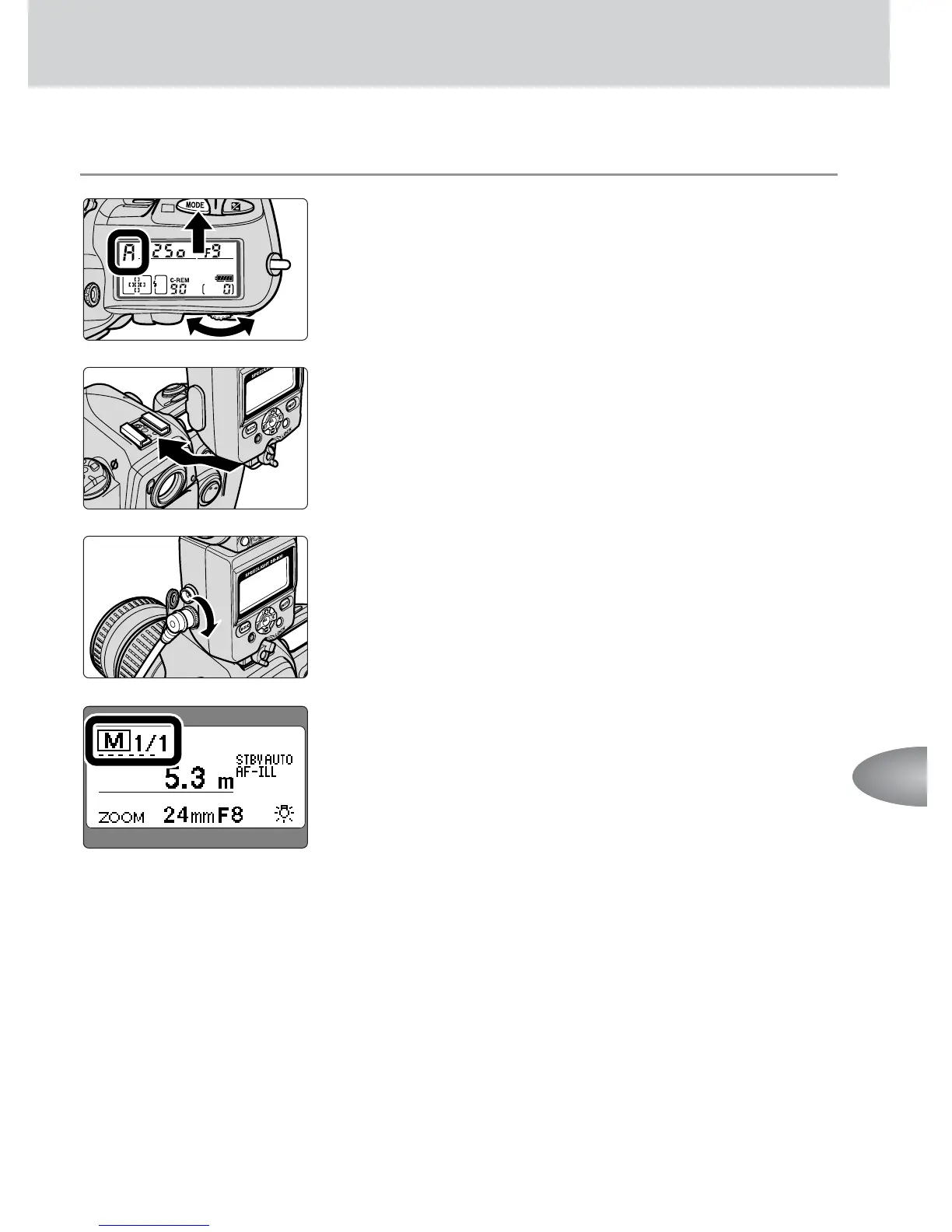
Manual multiple flash
1
Set the camera’s exposure mode to Aperture-
Priority Auto (A) or Manual (M).
2
Tu rn off the power and attach the master flash
unit to the camera.
3
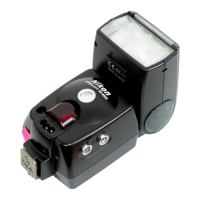
Connect the sync terminal on the master flash
unit to the remote flash unit using the optional
Sync Cord SC-11 or SC-15.
4
Tu rn on the power of all flash units and set the
flash mode on all units to Manual flash.
• The flash output level can be adjusted on the SB-800,
SB-80DX, SB-28, and so forth, if necessary (p. 43).
• Repeating flash is not possible.
5
Confirm the aperture and flash shooting distance
as in normal Manual flash shooting, then shoot.
• See page 46 for more information about the Manual
flash mode.



 To Next Page