68
Custom settings
■
■
■
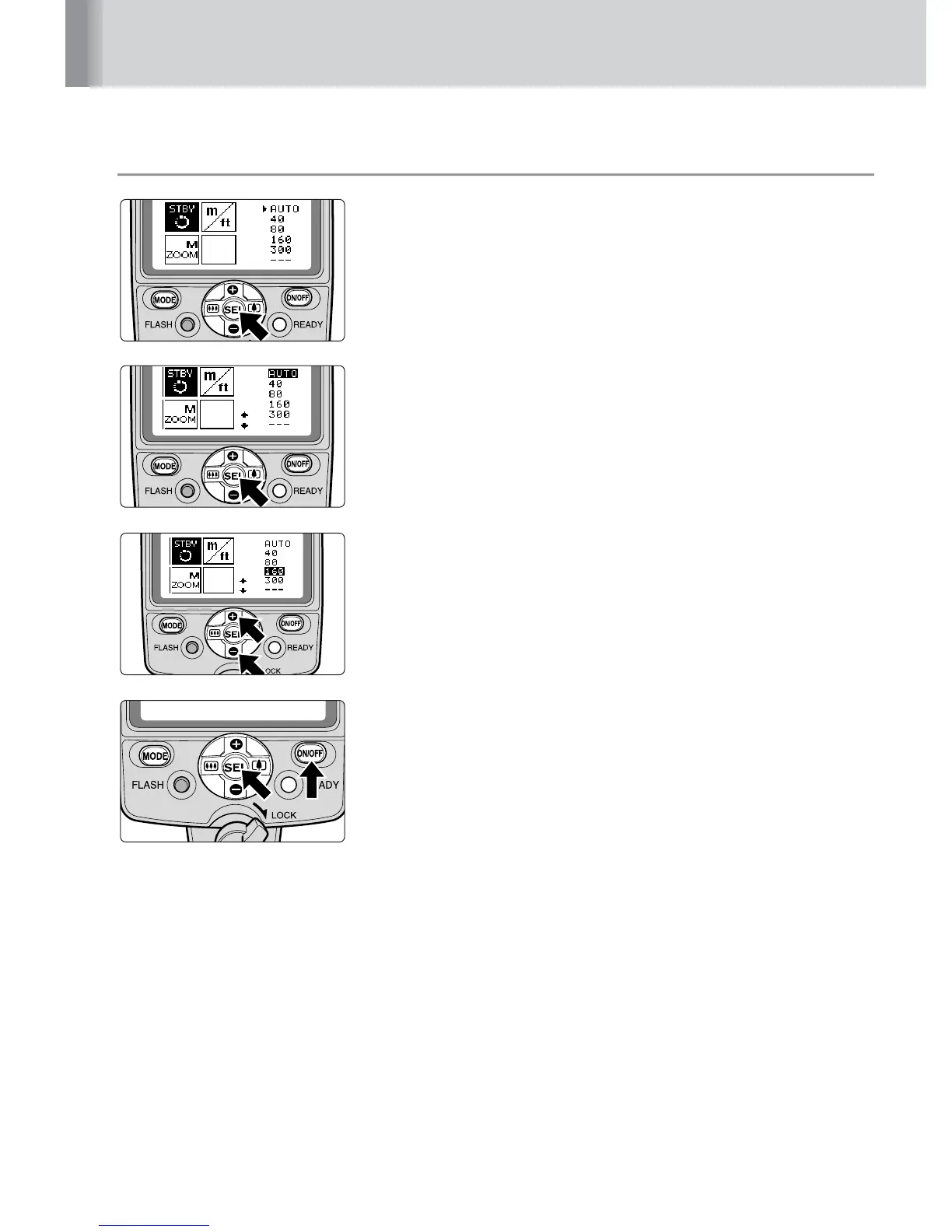
Setting Custom functions
1
Press the g button for approx. 2 sec. to display
the Custom settings mode.
2
Press the e or f button and c or d button on
the Multi Selector to choose the desired custom
functions to be set, then press the g button.
3
Press the e or f button to highlight the
preferred setting.
•Press the c or d button to adjust the “LCD panel
brightness”
4
Press the g button for approx. 2 sec. or press
the b button to return to the normal setting
mode.



 To Next Page