31
Option
Positive
Use with
Use with most makes of
positive slides and reversal
fi lm. These fi lms have a
black fi lm base, and the im-
age in each frame appears
in its actual colors.
Neg (Color)
Use with color fi lm nega-
tives. Color negatives can
be identifi ed by their or-
ange-tinted fi lm base and
by the fact that the colors
in the images are reversed.
Neg (Mono)
Use with black-and-white
negatives.
Kodachrome
Use with Kodachrome
positives.
1
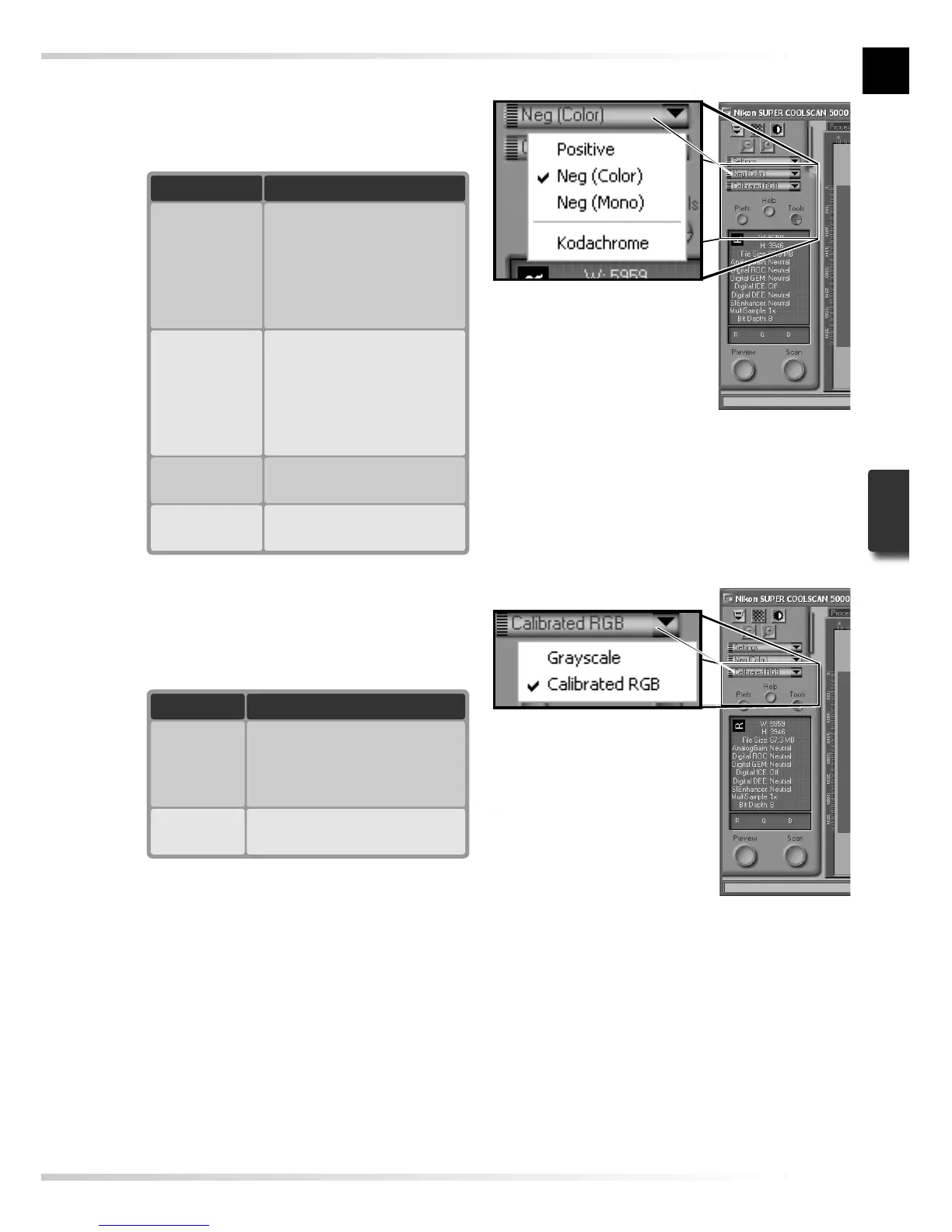
Choose the fi lm type
Click the fi lm-type menu in the scan win-
dow control area and choose a fi lm type
that matches the fi lm being scanned.
Film type menu
2
Choose a color model
Click the color-model menu in the scan
window control area and choose a color
model according to how the image will
be used.
Option
Grayscale
Description
Image scanned as grayscale
data. Use when scanning im-
ages that will be printed or
viewed in black-and-white.
Calibrated
RGB
Image scanned as RGB data.
Use to scan images in color.
Color model menu














 To Next Page