12
FRONT SELECTORS AND SETTINGS MENU
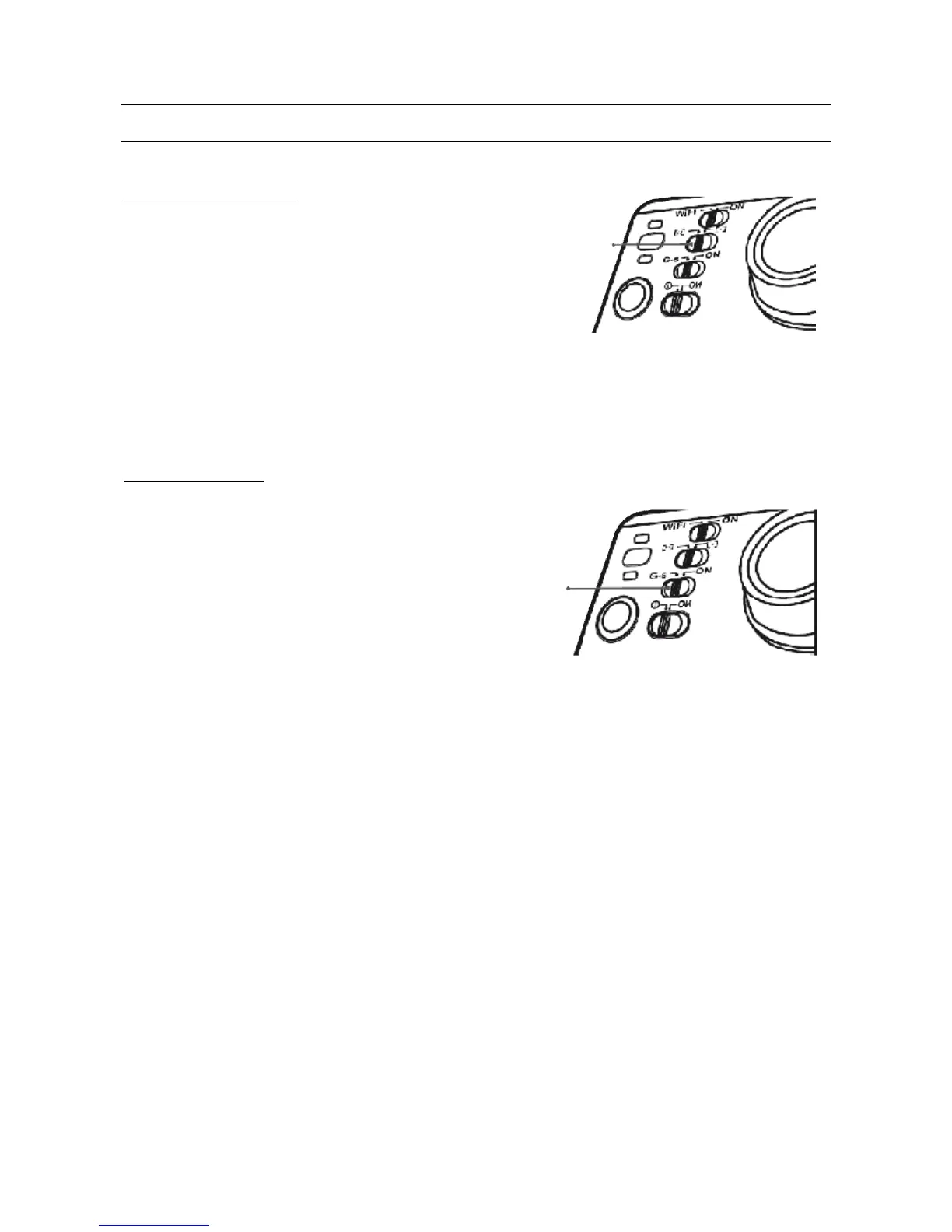
Some selectors are located on the front of the video camera.
EXPOSURE MODE SELECTOR
According to need and lighting conditions, the video camera
exposure meter can be set to SPOT mode.
This mode is used to adjust the amount of light according to a
well-defined central point.
Two different exposure meter management modes are
included:
Central Area: set this parameter in order to improve the central dark area, if the central area is
dark but the surrounding area is bright.
Spot: on the contrary, if the central area is bright and the surrounding area is dark, use this
setting in order to improve the image in the outer darker area.
G-SENSOR SELECTOR
Turn on the G-SENSOR for the video camera to
automatically detect any change in gravity.
This function is especially helpful for installations on
vehicles or when installed on a helmet and thus hard for
the user to reach.
Any video camera movement will automatically turn it on.
Recording stops when no movement is detected for 3
minutes.



 To Next Page