24
To view a file, proceed as follows:
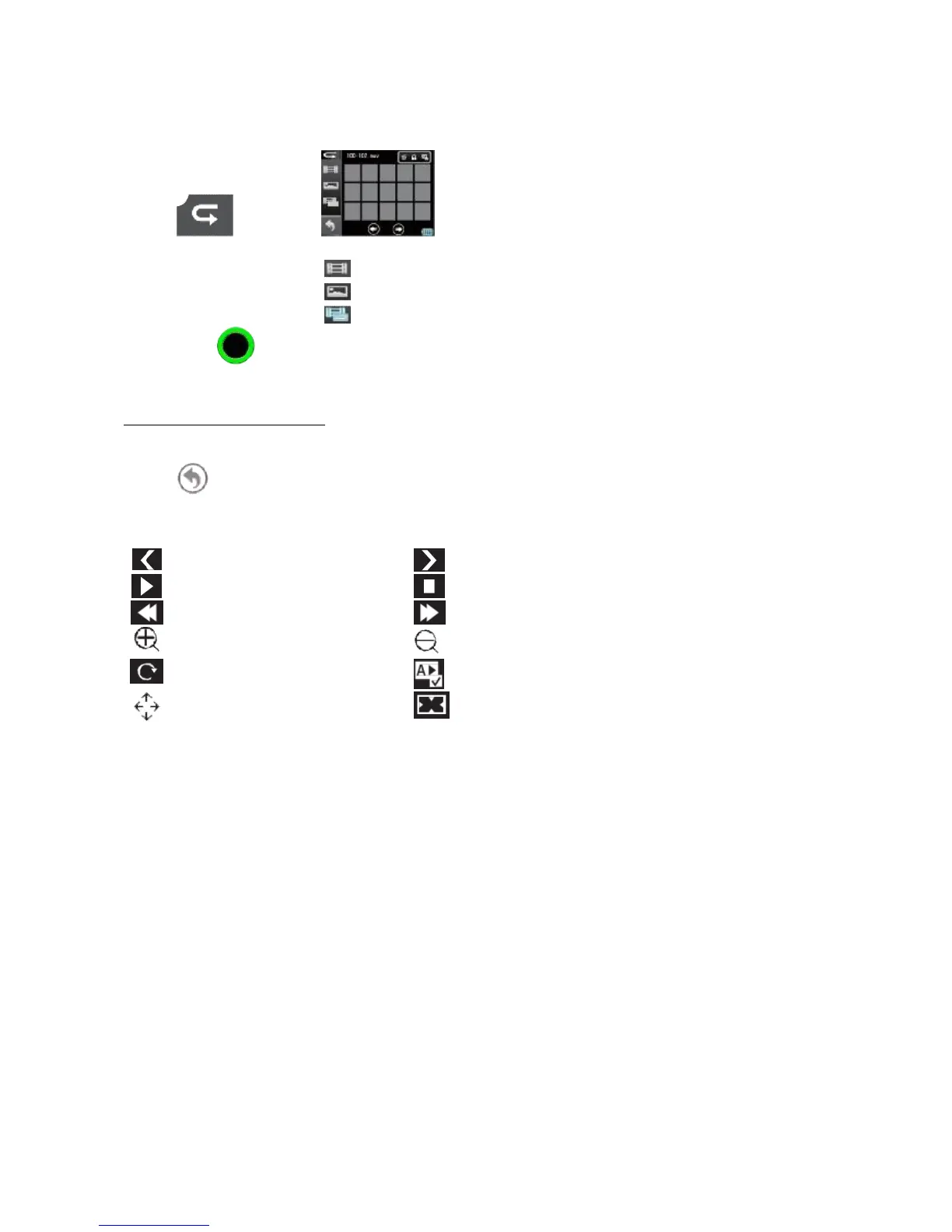
1. Key will appear
2. You can find three icons on the right side of the screen.
3. Press the key in sequence to enable view mode:
Video only, photo only, video and photo.
PLAYING A VIDEO OR PHOTO FILE
Display all thumbnails, touch the desired file to select and play it.
Touch to return to the viewing menu.
Photo or video viewing activates the controls that appear on the display



 To Next Page