31
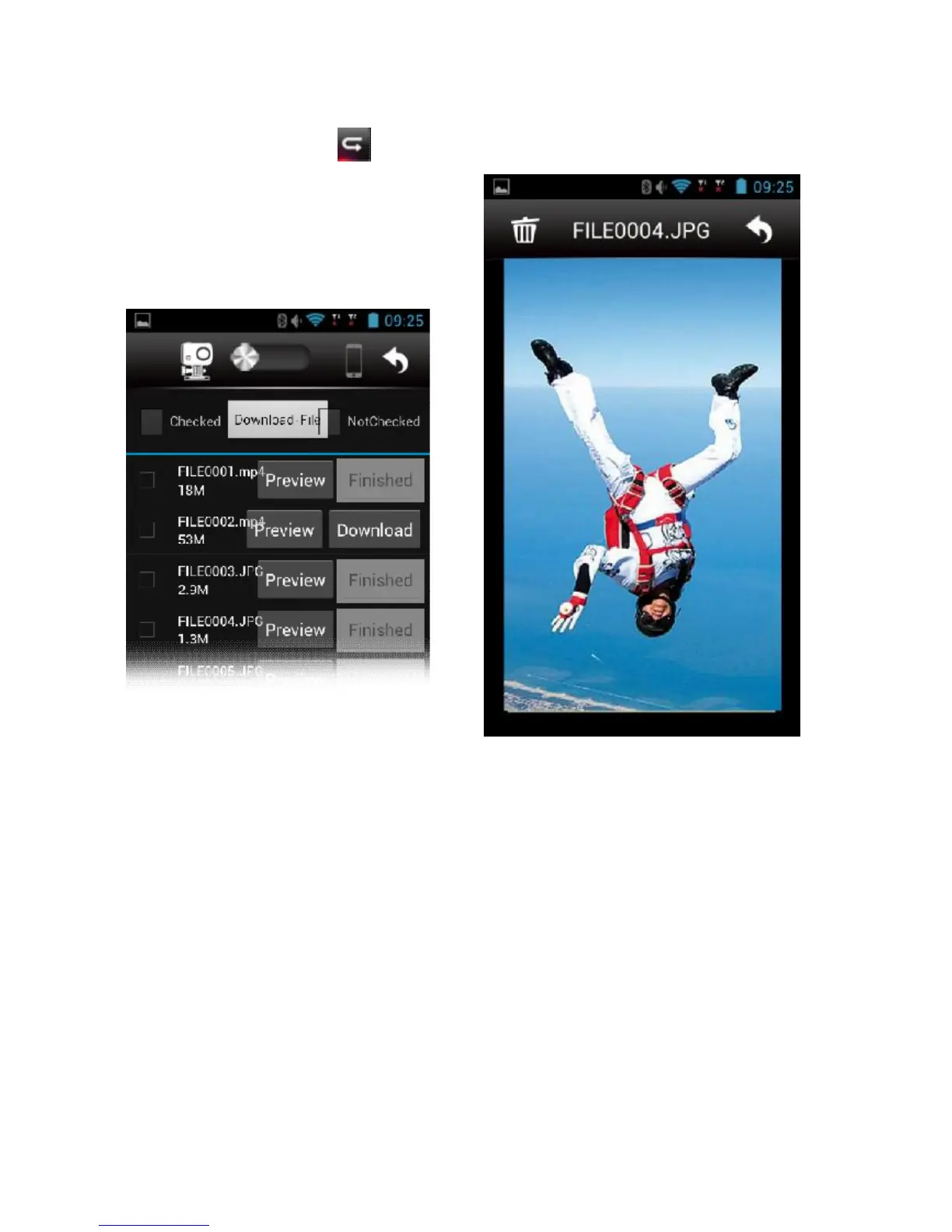
File preview mode (Playback)
From the main menu, press to open the
file preview menu.
Alternatively, the same menu can be opened
from the home screen by selecting My Album.
If the selector is positioned on cam (left) the
user can either view a photo or video or
download it to smartphone or tablet.



 To Next Page