27
USB OUTPUT
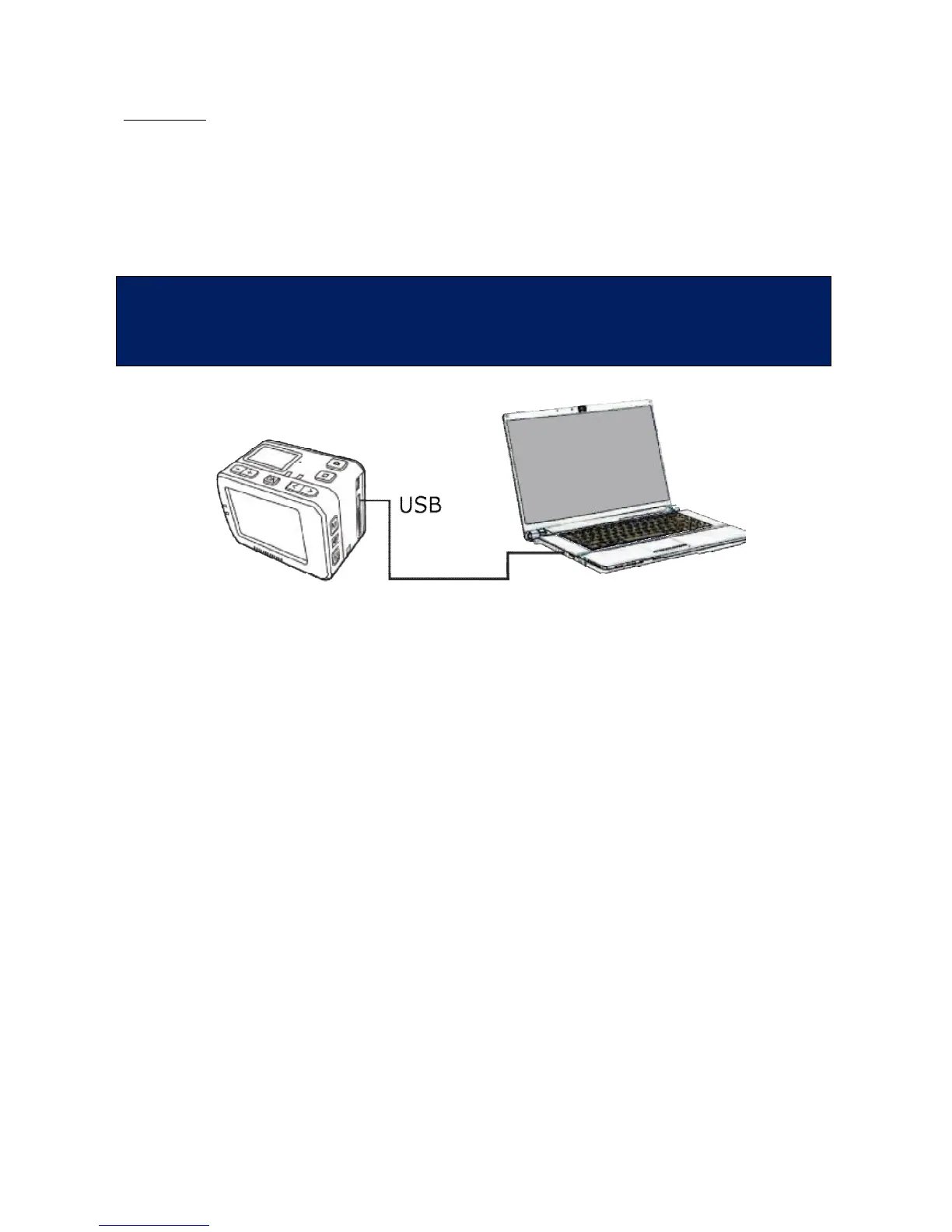
The USB connection allows to :
• Give power supply to the EVO 4K video camera with a USB cable.
• Connect the EVO 4K video camera to a computer in order to read the data in the
memory and Micro SD card.
The icon of USB connection is displayed on the LCD screen and the green indicator blinks slowly.
After rebooting, the EVO 4K video camera returns to normal conditions. The
USB output is one-way: data can only be transferred from the cam to PC and
not vice versa.
• Image or video files cannot be recorded on the SD micro card from a PC
(via USB cable).
• Image or video files saved on the SD micro card cannot be deleted from PC
(via USB cable). This can only be performed on the camera.
• Files cannot be copied from a PC to the SD micro card in the camera (via USB
cable).



 To Next Page