18
[MENU]
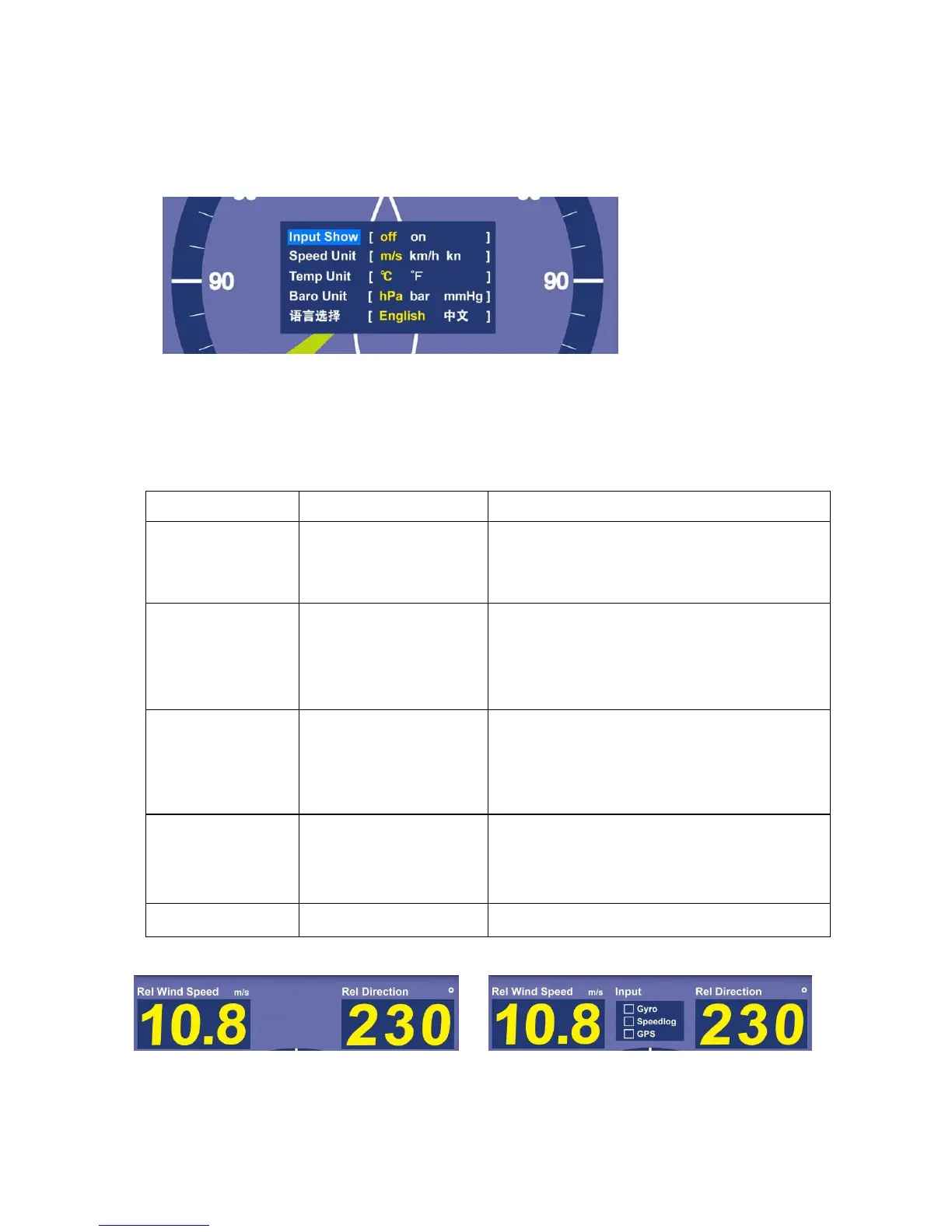
Press [MENU] to open menu window
Press up/down arrow buttons for main options and left/right
buttons for settings. Press [OK] to save the set values and exit or
automatically save and exit without operation in 10s.
Turn on/off input signal window,
observe gyro, speedlog, GPS
signal input situation *
Gust alarm and current
measured values automatically
convert with speed unit
conversion
H/L TEMP alarm and current
measured values automatically
convert with temperature unit
conversion
Current measured values
automatically convert with
barometric unit conversion
* Note: Input display OFF * Note: Input display ON


 To Next Page