EasyManua.ls Logo

NIOX MINO - Presentation of NIOX MINO; Instrument and Screen Layout

NIOX MINO
24 pages
Print Icon
To Next Page IconTo Next Page
To Previous Page IconTo Previous Page
Loading...
3
Presentation
NIOX
®
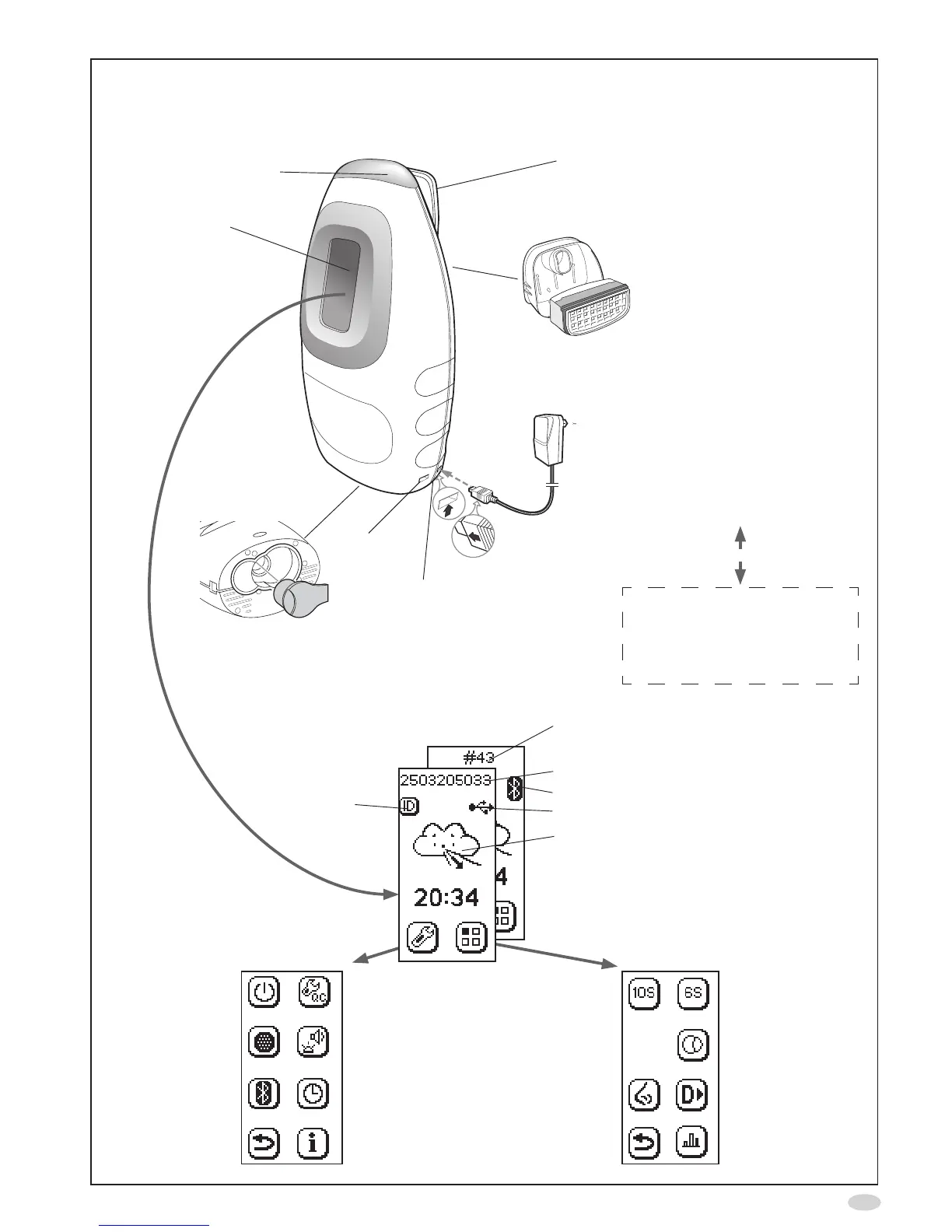
Filter
Disposablepatientlterthatmustbe
exchangedbeforeeachmeasurement
session and patient
Display
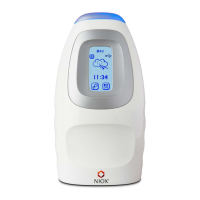
NIOX MINO
®
instrument
Toplight
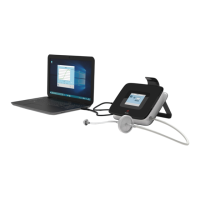
NIOX Panel PCbasedprogram
thatallowsthepatienttofollow
themeasurementonaPC
screen,seepage18.
Powersupplyunit
NOscrubber,
(page10)
OptionalPCconnection.
Cable(USB)orwireless
(Bluetooth)
NIOXMINOSensor,
(page10)
Mode screen
Standard
measurement mode
(page6)
Nasal measurement
mode
(page19)
Return
Special6s
measurement mode
(page19)
Ambient
measurement
(page7)
Demonstration mode
(page7)
Viewmeasurement
results(page7)
Settingsscreen
Controlledpower
off(page10)
NOscrubber
setup
(page10)
Bluetoothon/off
(page8)
Return
QCon/off
(page8)
Lightandsound
(page8)
Timeanddate
(page8)
Information
(page10)
Main screen
Numberofremaining
measurements for
mountedSensor,or
PatientID(optional)
Bluetoothactivated,or
USBcableconnected
Mode status
SetID
(page5)
USB
connector
Strapholderfor
NIOX MINO Hand
Strap(optional
accessory)

Related product manuals