Installation and setup
BDA−N6−ALL−US−1.0 www.noax.com Page 11 of 28
3.2 Mounting C12 and C15 compakt enclosures
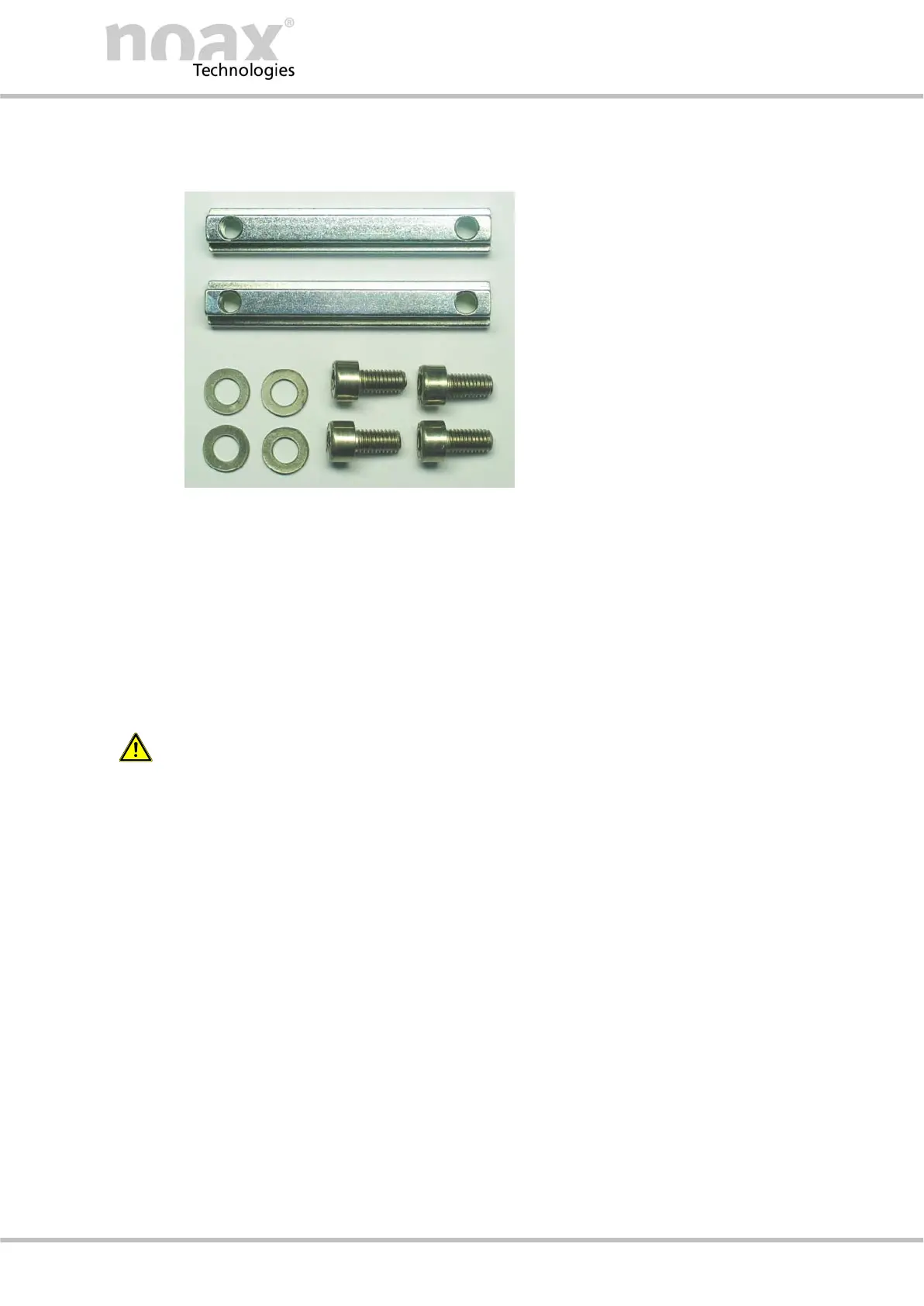
Fig. 19 T−bar and screws
Two stoppers are factory installed at the top of both T−bar slots. The stoppers prevent the Industrial
PC T−bars from sliding through the t−bar slots and align the Industrial PC. This makes the attach-
ment easier.
TA variety of mounting brackets is available for the Industrial PC .
" Screw the T−bars (DIN 508 / M5x6) directly onto the wall (e.g. door of the control cabinet) and
slide the Industrial PC into them.
" Use the T−bars to attach the optional mounting brackets
Caution danger of injury:
For safety reasons, do not remove the firmly placed stoppers from the T−Slots. Make sure
that the T−bars and stoppers are securely tightened!
í Please find more information about the mounting brackets in our web page www.noax.com.
Factory−
made
groove sto-
nes
Device hol-
ders (optio-
nal)
The Industrial PC Compact is attached using
the rear panel of the cooling element, which
has two guide bars with a T−slot for groove
stones.
The groove stones (DIN 508/ M5x6) and
screws (M5x10) with washers are included in
delivery.



 To Next Page