System Overview
16
7750 SR ESA 100G Chassis Installation Guide
Release 20.5
3HE 16094 AAAA TQZZA Issue: 01
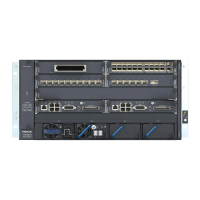
2.3 Chassis Description
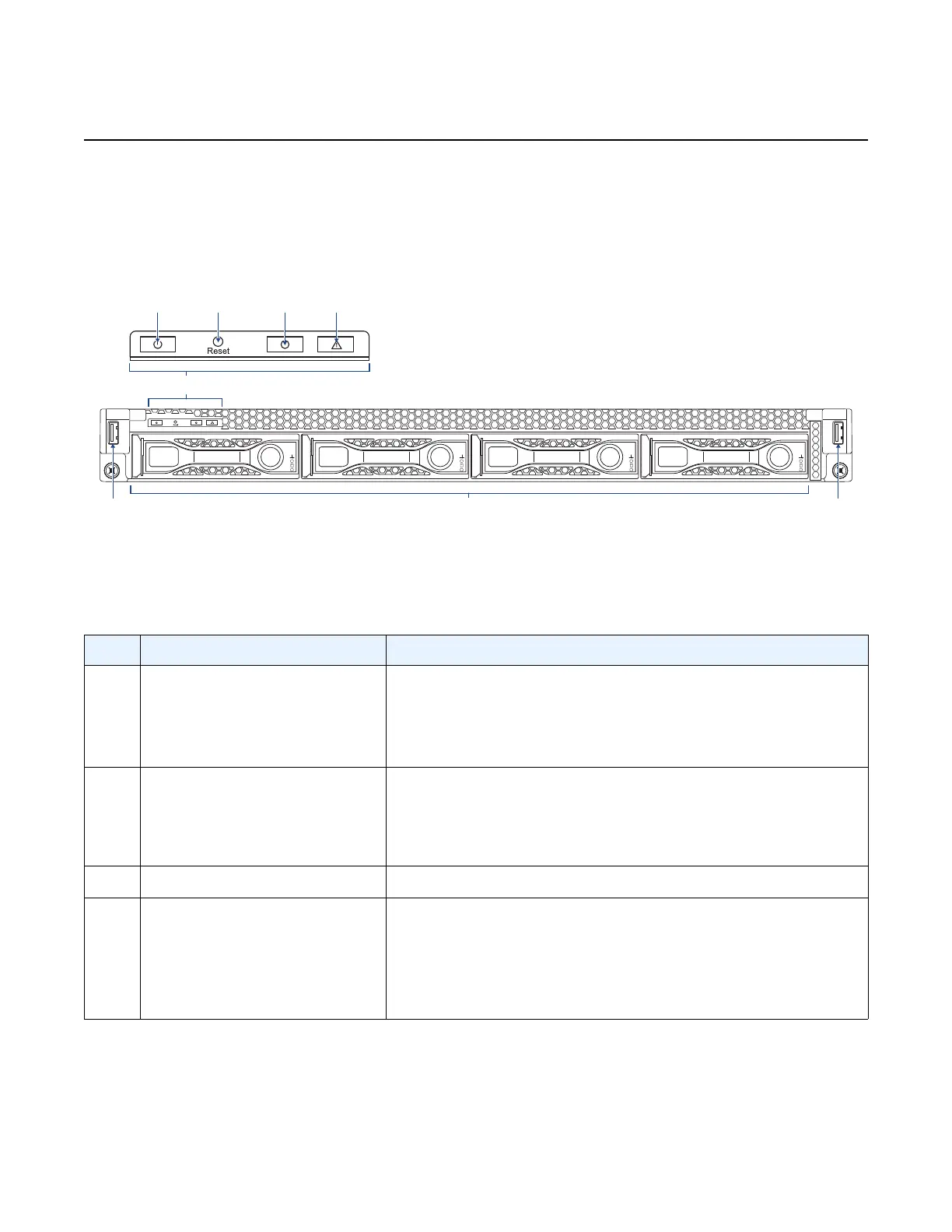
Figure 1 shows the front panel features of the 7750 SR ESA 100G chassis.
Figure 1 7750 SR ESA 100G Front Panel Features
Table 3 describes the front panel features, including LED behavior.
hw0378
6
23 45
6
1
7
Table 3 7750 SR ESA 100G Front Panel Features
Key Item Name Description
1 Front control panel • Power button
• Reset button
• Identification button
• System status LED
2 Power button with LED Power on or off
LED (Blue):
• On – unit powered on
• Off – unit powered off
3 Reset button Soft system reset
4 Identification button with LED Toggles the state of the ID LED; activates the ID LED to
identify the system
LED (Blue):
• On – unit selected for identification
• Off – no identification request






 To Next Page