ACCESS GATEWAY
System Administration 187
2.
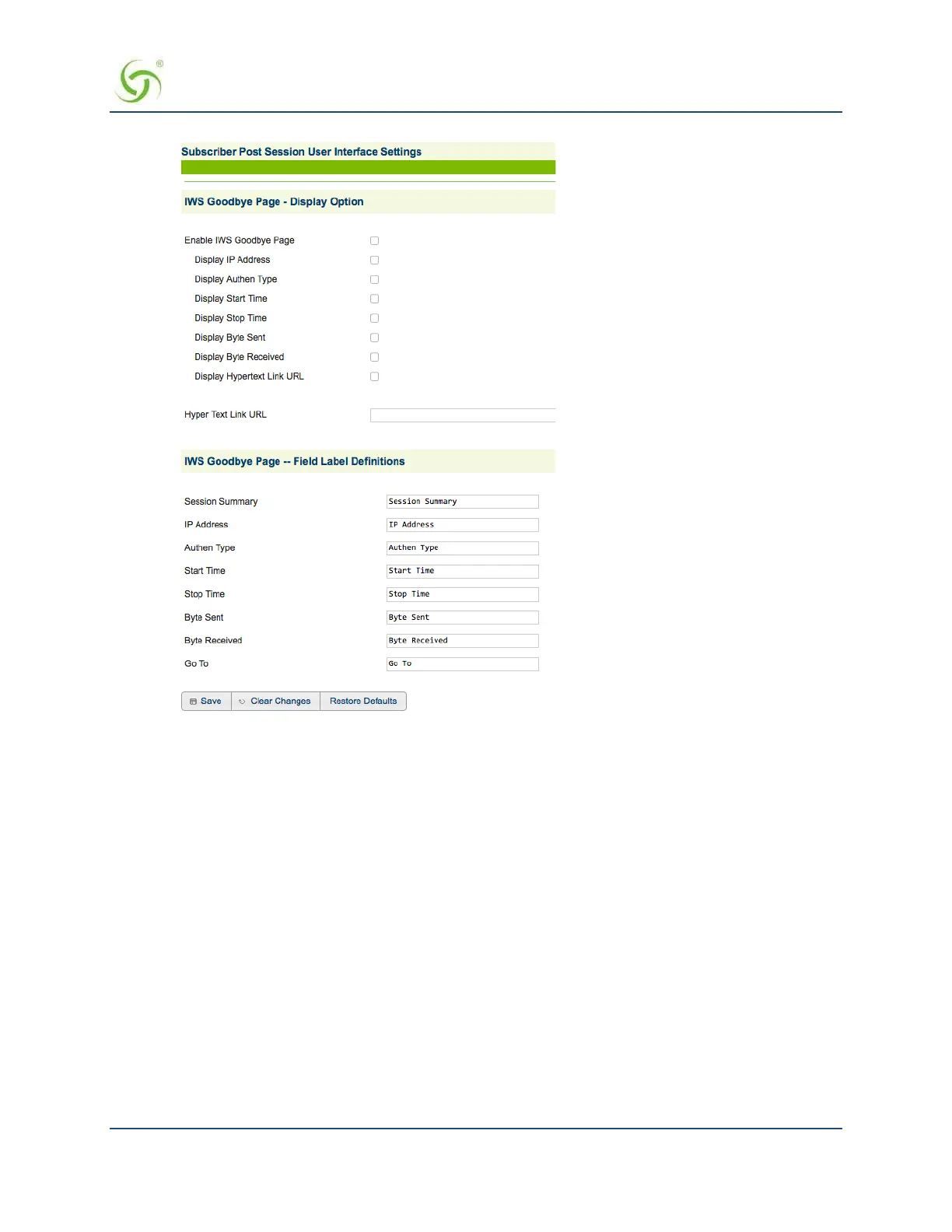
Click on the Enable IWS Goodbye Page check box to enable (or disable) the IWS Goodbye
Page, as required.
3.
If you enabled the IWS Goodbye Page, select your preferred display options by checking the
corresponding boxes:
• Display IP Address
• Display Authen Type
• Display Start Time
• Display Stop Time
• Display Byte Sent
• Display Byte Received
• Display Hypertext Link URL
4.
If you enabled the Hypertext Link URL feature, enter the URL for the link in the Hyper Text Link URL
field.
5.
Define the following Field Label Definitions for your Goodbye Page:
Session Summary
IP Address


 To Next Page
 Loading...








