ACCESS GATEWAY
198 System Administration
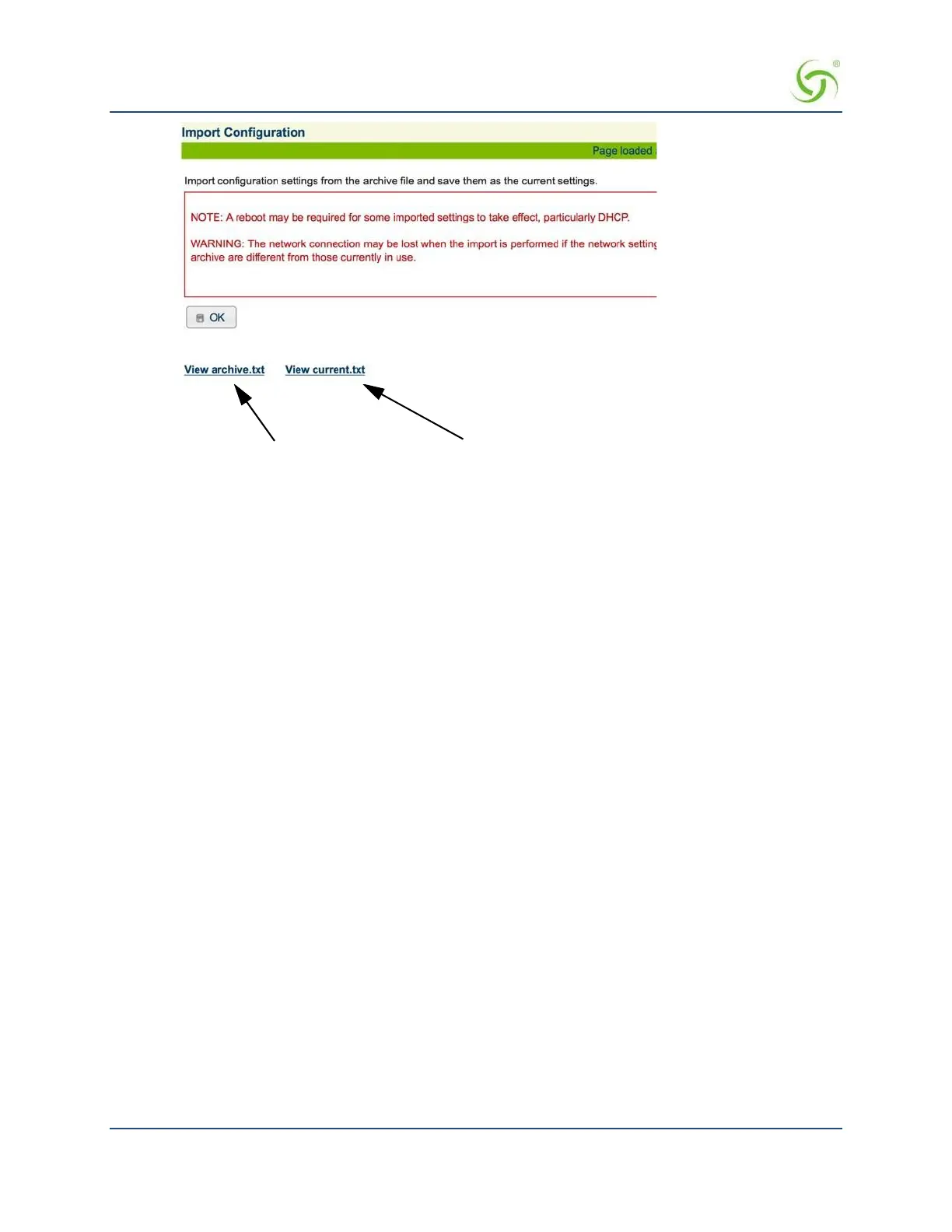
Click here to view the “archive.txt” or “current.txt” files.
2. Click OK to replace the current system configuration settings with the settings contained in the
archive.txt file (see notes above).
Establishing Login Access Levels {Login}
This procedure shows you how to assign differentiated access levels for operators and managers at login.
The Access Gateway allows you to define 2 concurrent access levels to differentiate between managers and
operators, where managers are permitted read/write access and operators are restricted to read access only.
Once the logins have been assigned, managers have the ability to perform all write commands (Submit, Reset,
Reboot, Add, Delete, etc.), but operators cannot change any system settings. Administrative Concurrency may
be enabled to further restrict the amount of management sessions allowed at one time. When this feature is
enabled, one manager and three operators can access the Access Gateway at any one time (the default is
“disabled”).
This feature supports the following interfaces:
Telnet
Command Line Interface (CLI) – serial
Web Management Interface (WMI)
FTP and SFTP (no operator access allowed)
SSH Shell Access
SSL
Only managers can assign a username and password for the remote RADIUS testing login option.
1. From the Web Management Interface, click on System, then Login. The Login Name and Password
screen appears:



 To Next Page