20 Barnes & Noble NOOK User Guide
Using Gestures to Control Your NOOK
Your NOOK puts great reading material right at your fingertips. To read that material, to share it, to rate it, and so
on, you’ll use your fingers in dierent ways.
Your NOOK recognizes these dierent gestures:
• Tap
• Double tap
• Press and hold
• Swipe
• Scroll
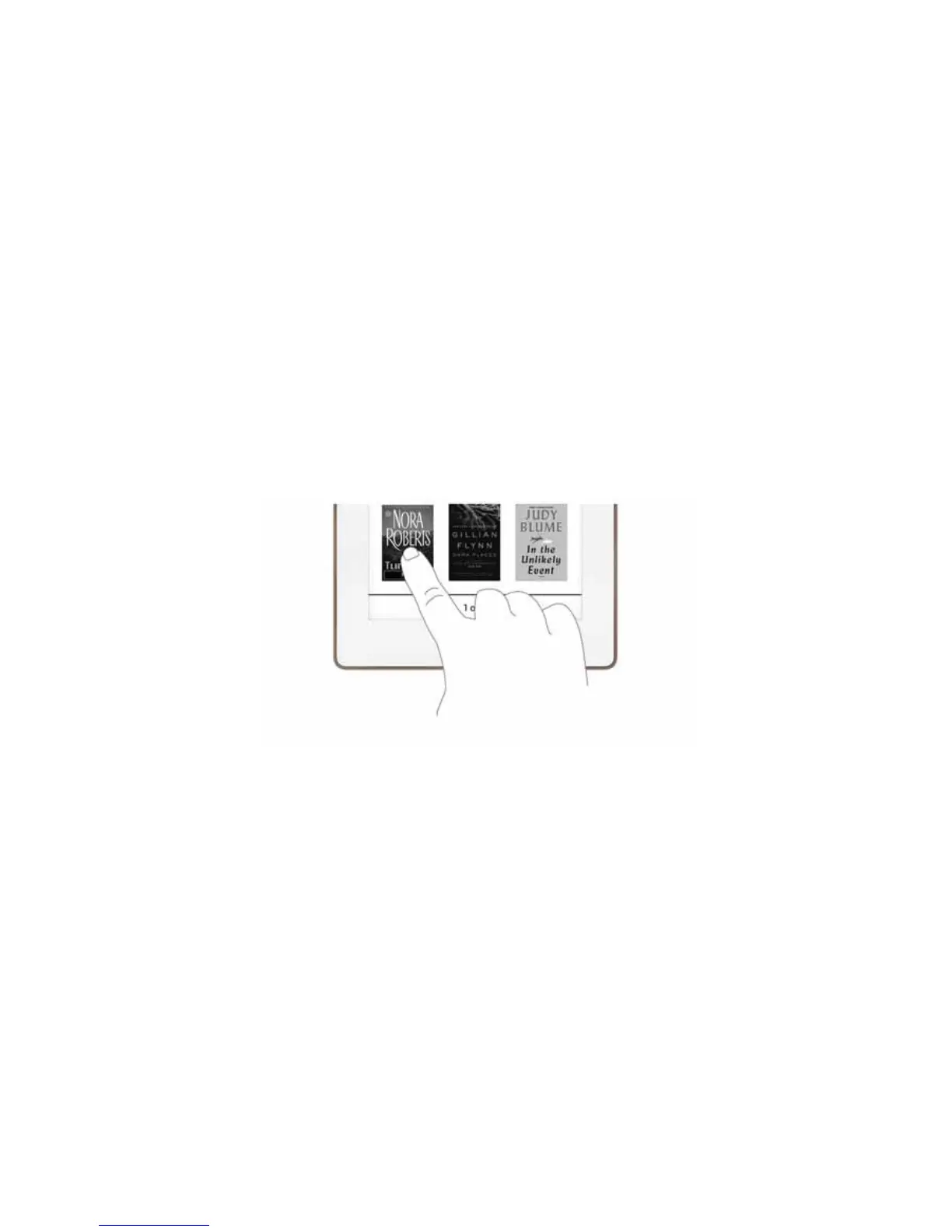
Tap
A tap on the screen is a quick touch of your fingertip. It’s the same gesture you use when you tap a key on a com-
puter keyboard.
Tapping on a book cover
Double Tap
Tapping twice quickly on the screen is a useful short-cut for many features.
In the Library or the Shop, double-tapping on the cover of a book or periodical opens a window with details about
the item.



 To Next Page