52 Barnes & Noble NOOK User Guide
The Library on Your NOOK
Your library is where you keep everything you want to read on NOOK. In your library, you will find:
• Books you have purchased from the NOOK Store
• Newsstand magazines and newspaper you have purchased from the NOOK Store
• Free books you have downloaded from the NOOK Store
• EPUB files and PDFs you have transferred onto NOOK using a USB connection from your personal computer
(these files appear in the My Files section of the Library).
To access your library, tap the Library button on the NOOK Navigation Menu.
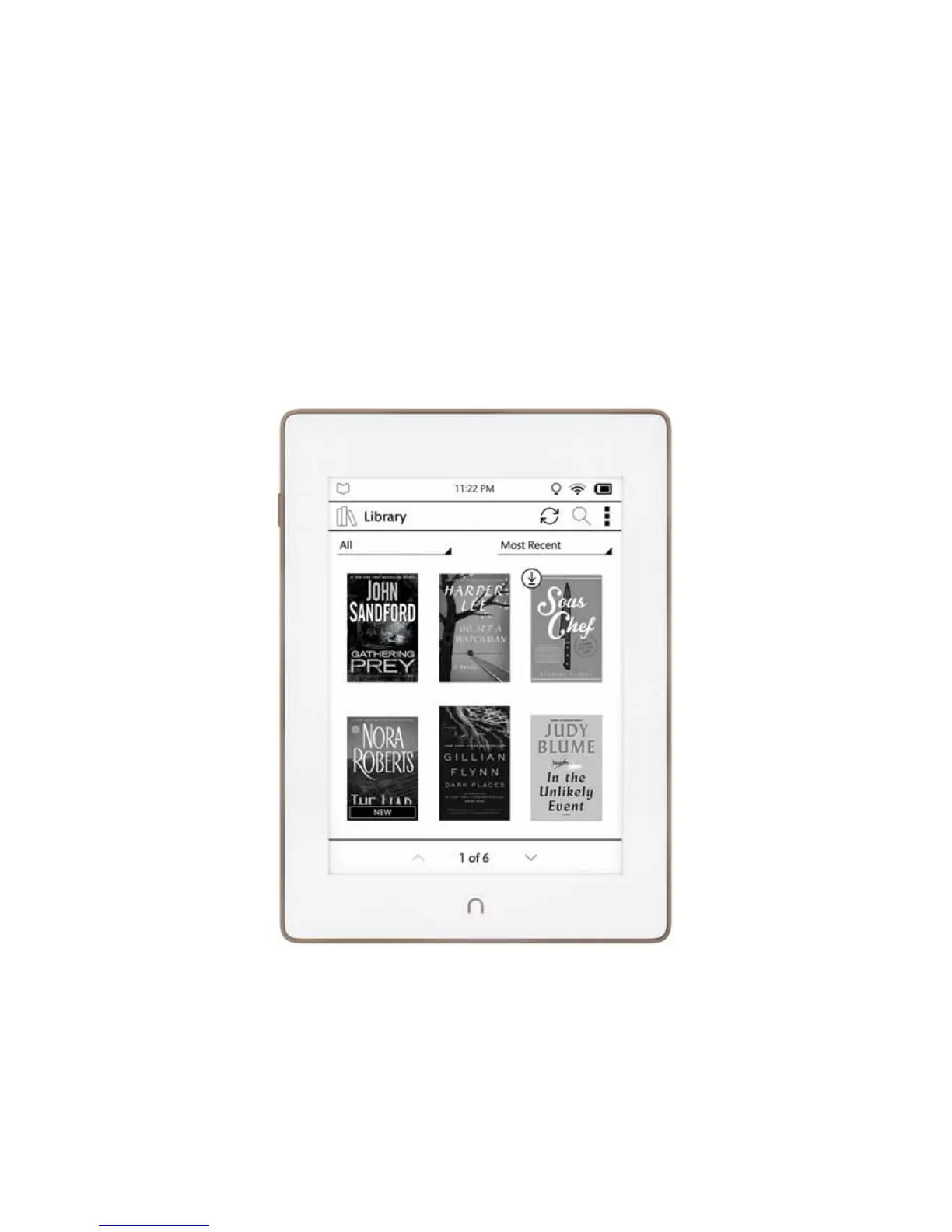
The Library looks like this:
The Library



 To Next Page