Barnes & Noble NOOK User Guide 77
Viewing and Configuring Device Info
To display device information, do this:
1. On the Settings screen, tap Device Info.
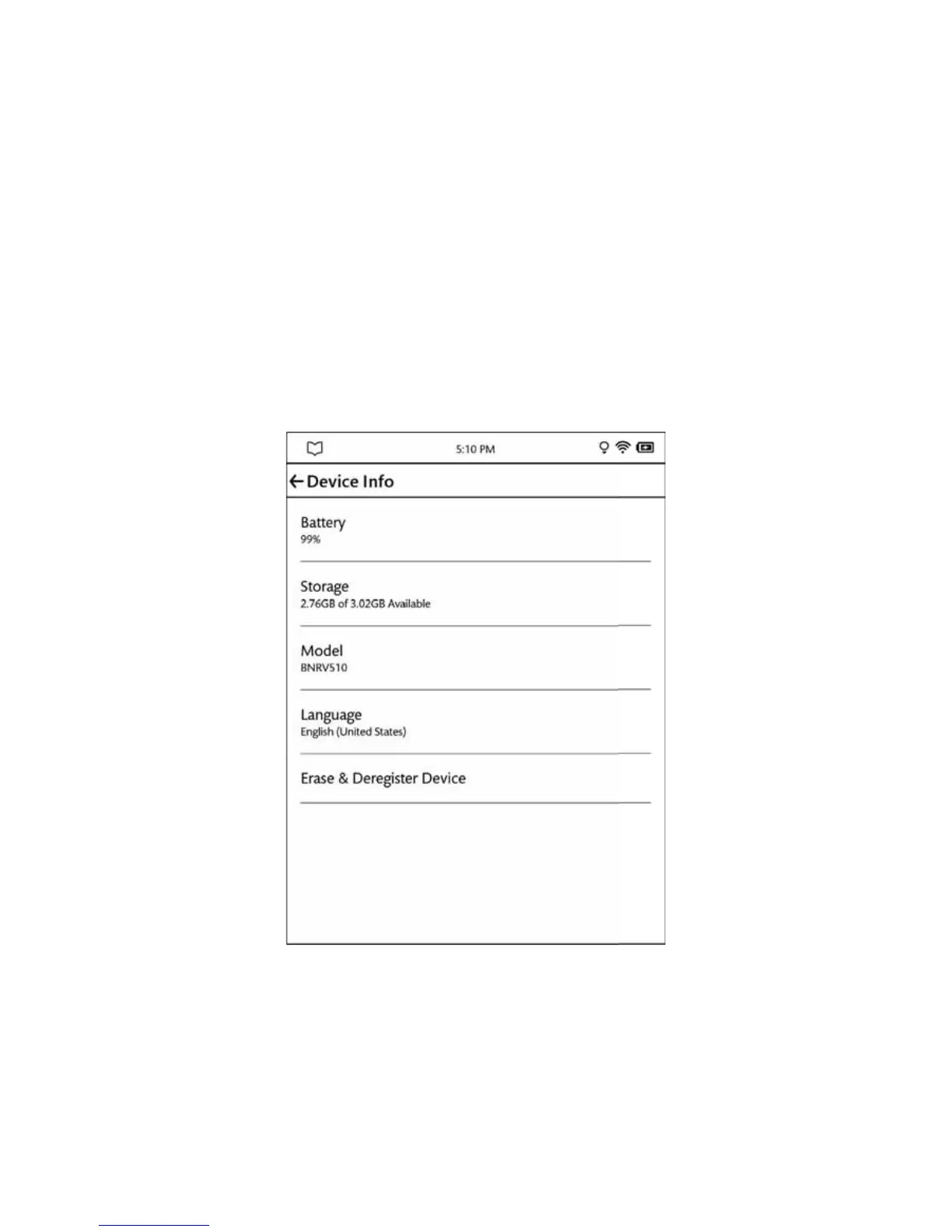
Your NOOK displays the Device Info page, which shows:
• a Battery percentage, showing how much power is left on your battery
• a Storage percentage, showing how much free storage is left on your NOOK’s internal storage for books
and periodicals you purchase through the NOOK Store
• the Model number of your NOOK
• the Language setting of your device, such as U.S. English
The Device Info page also a menu choice, Erase & Deregister Device, which is described below.
The Device Info presents useful information about your NOOK.
The Device Info screen.
Displaying System Information
Tap the About Your NOOK menu choice to display the following information:
• Owner, the name of the owner of this NOOK



 To Next Page