82 Barnes & Noble NOOK User Guide
Configuring Time Settings
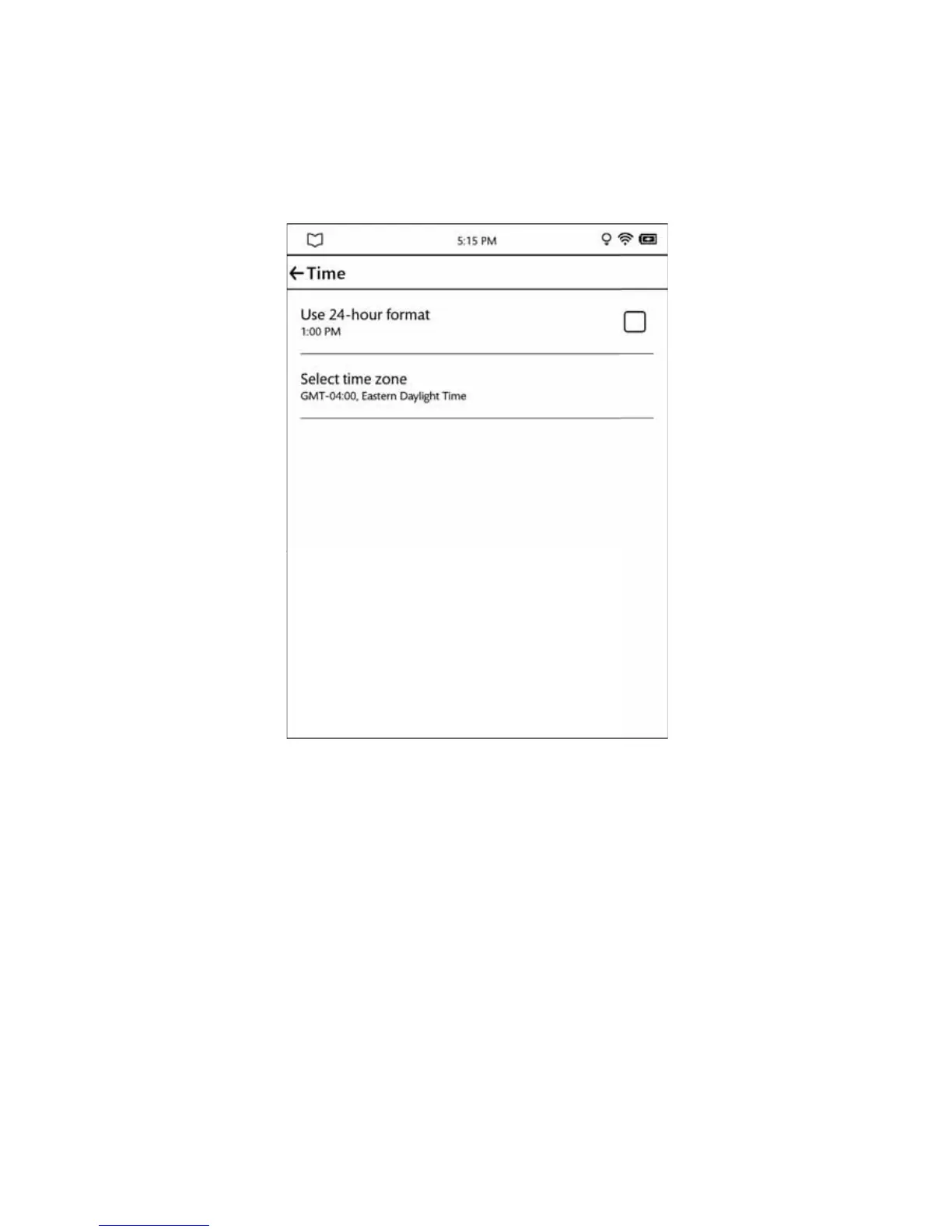
On the Time settings page, you can control whether your NOOK uses a 12-hour clock or a 24-hour clock. You can
also select a Time Zone for your NOOK.
The Time Settings screen.
To return to the main Settings page, tap the back arrow in the upper left corner of the screen.
Switching to a 24-hour Format
To switch to a 24-hour format in which hours after 12 noon are added to the number 12, so that 1:15 p.m. becomes
13:15, tap the Use 24-hour format field so that the box is checked. Leave the box unchecked to use a default, 12-hour
format is which hours run 1 to 12 and are identified as either a.m. or p.m.



 To Next Page