Barnes & Noble NOOK User Guide 83
Selecting a Time Zone
To select a time zone for your NOOK, do this:
1. Tap the Select Time Zone field on the Time Settings screen.
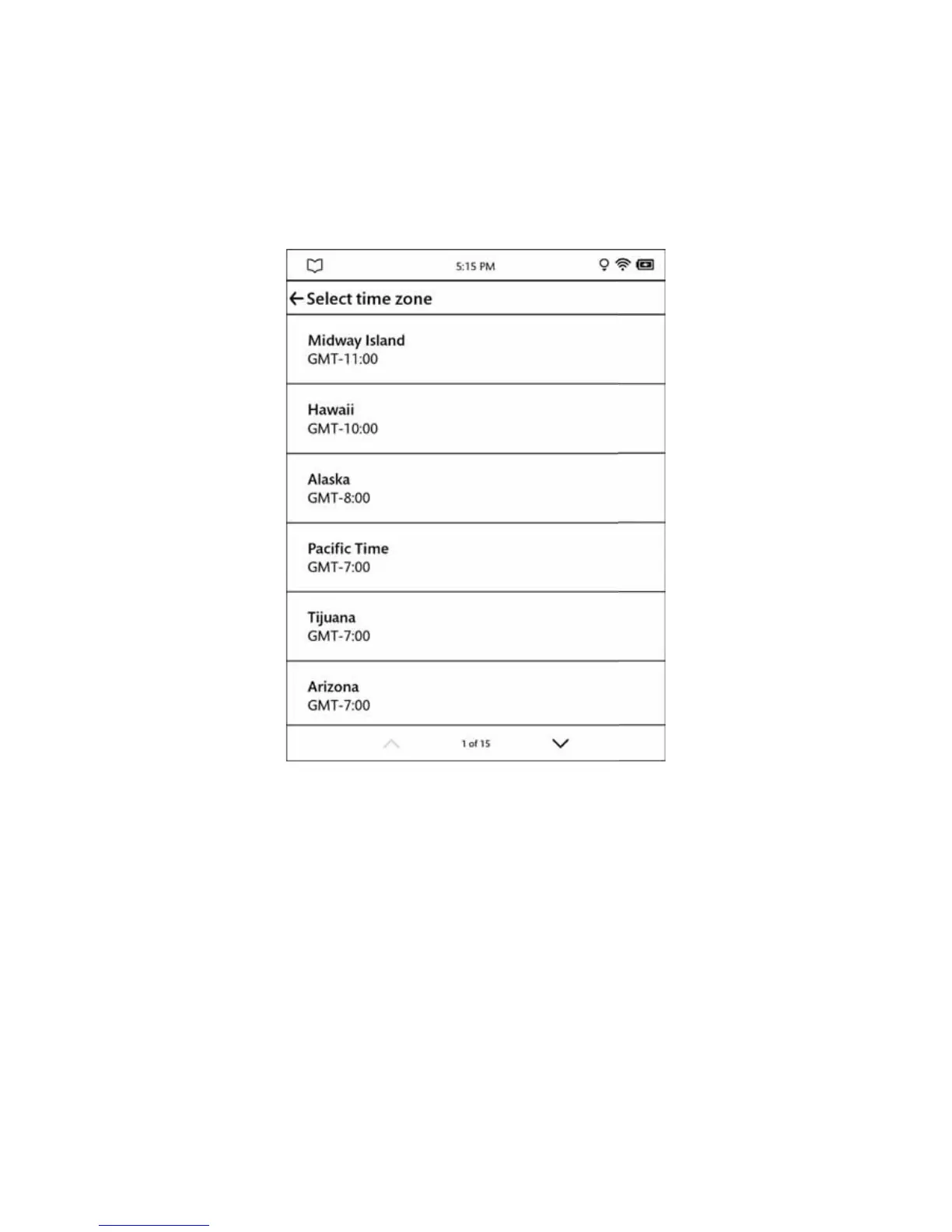
Your NOOK displays a scrollable list of time zones.
A list of time zones.
2. When you see the time zone you want to select, tap it.
Your NOOK switches its clock to the time zone you select and displays the Time settings screen.
To return to the main Settings screen, tap the back arrow in the upper left corner of the screen.



 To Next Page