72 Barnes & Noble NOOK User Guide
Customizing the My Picks Stream
You can customize the My Picks stream to display content from only certain topics.
To customize the My Picks stream, do this:
1. Open B&N Readouts from the Home screen.
2. If B&N Readouts is not already displaying My Picks, open the Topics menu and select My Picks.
3. Tap the Edit link to the right of the title MY PICKS.
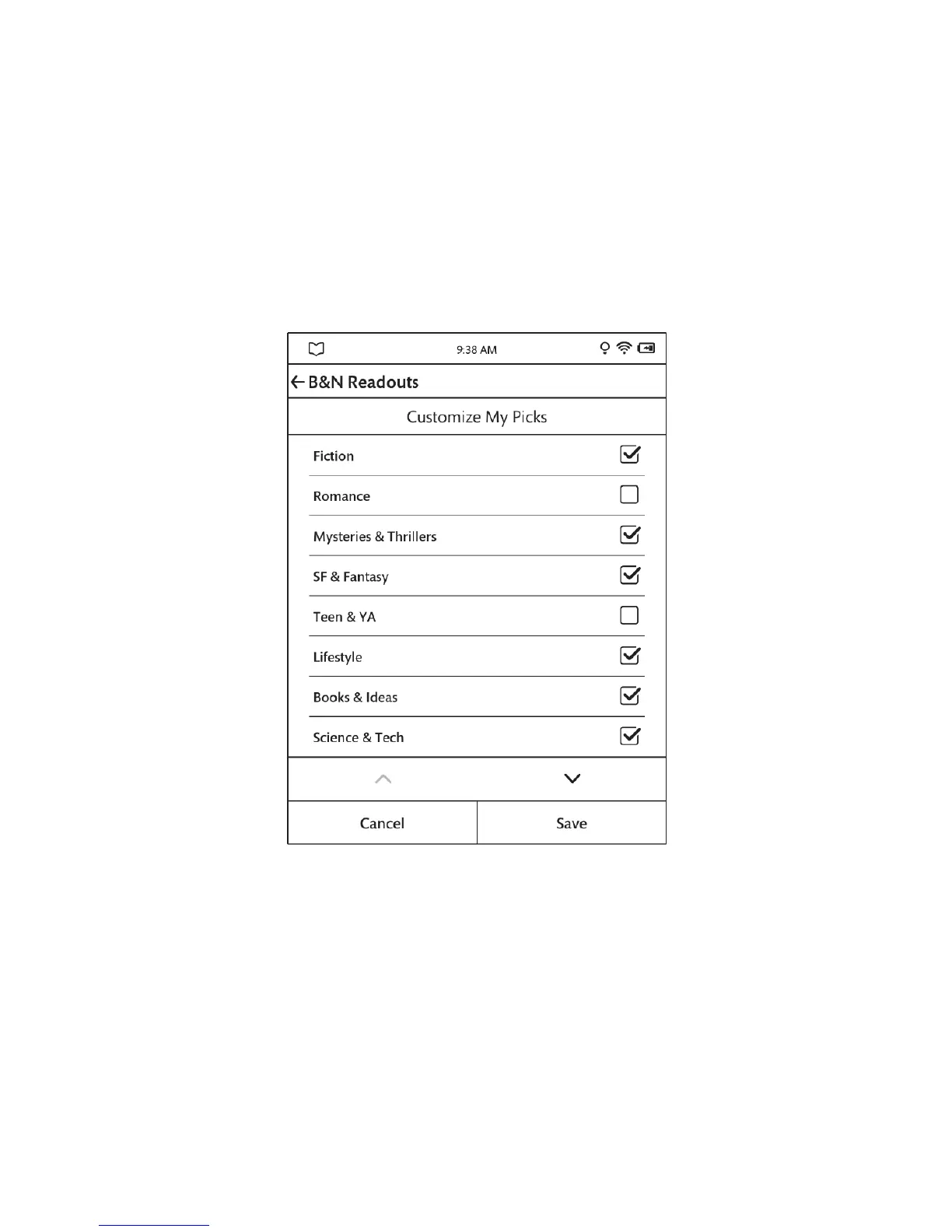
B&N Readouts displays a screen for customizing the content in My Picks. See the example below.
A configuration screen for customizing your picks for B&N Readouts.
4. Tap checkboxes to select or unselect the topics you want.
5. When you have finished selecting topics, tap the Save button at the bottom of the screen.
B&N Readouts applies your selections to the My Picks stream.



 To Next Page