80 Barnes & Noble NOOK User Guide
Configuring Screen Settings
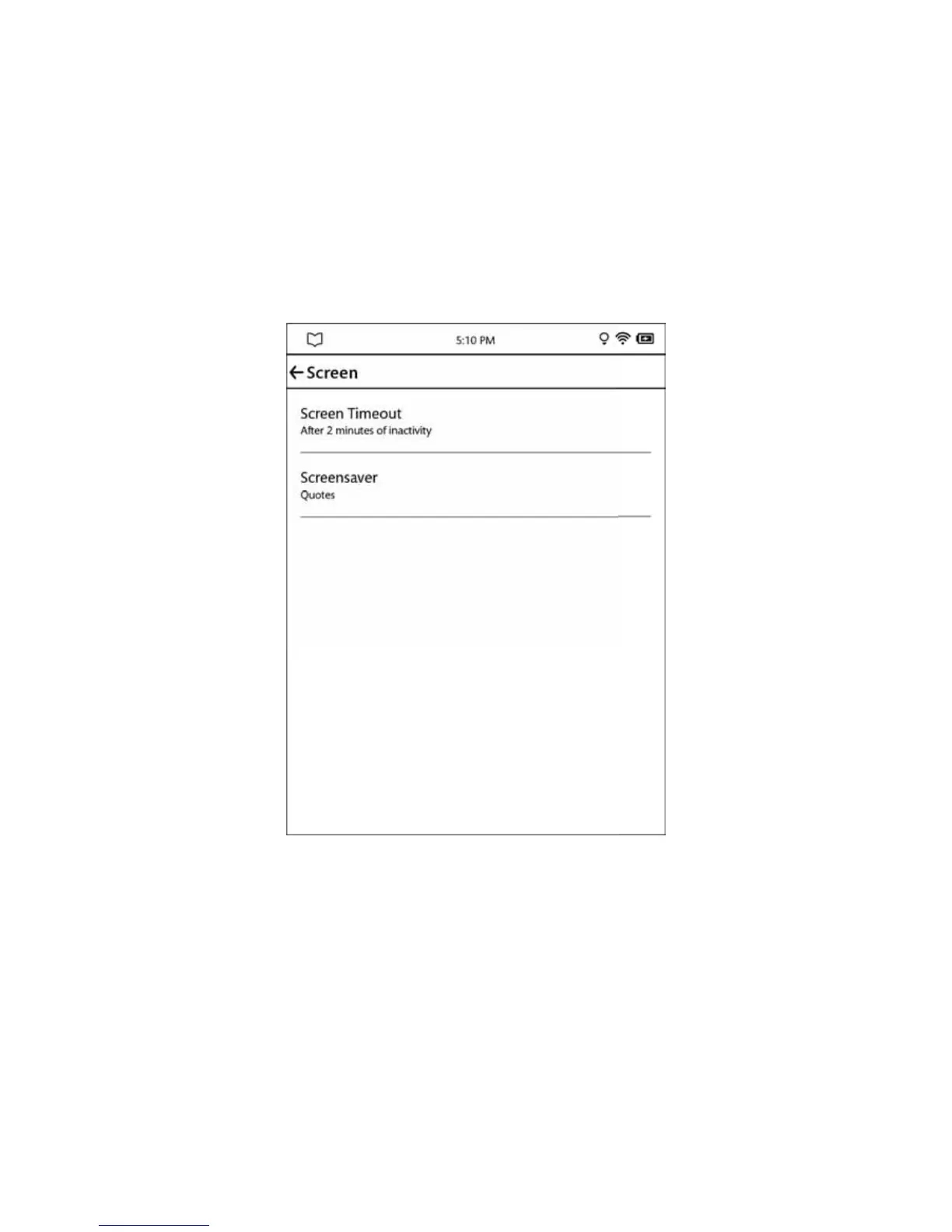
On the Screen settings page, you can:
• Change the amount of time your NOOK should wait when no activity is taking place before turning o the
screen.
• Select the screensaver your NOOK displays when it turns o the screen and goes into sleep mode.
To display the Screen settings page, tap the word Screen on the main Settings screen. Your NOOK displays the screen
shown here:
The Screen settings screen.



 To Next Page