Barnes & Noble NOOK User Guide 75
Configuring Your NOOK
Your NOOK gives you full control over many areas of its operations, from Wi-Fi connections to font sizes.
Your NOOK’s built-in Settings screen make it easy to adjust the configuration of your NOOK. To access the Settings
screens, tap Settings in the NOOK Navigation Menu at the bottom of the Home screen.
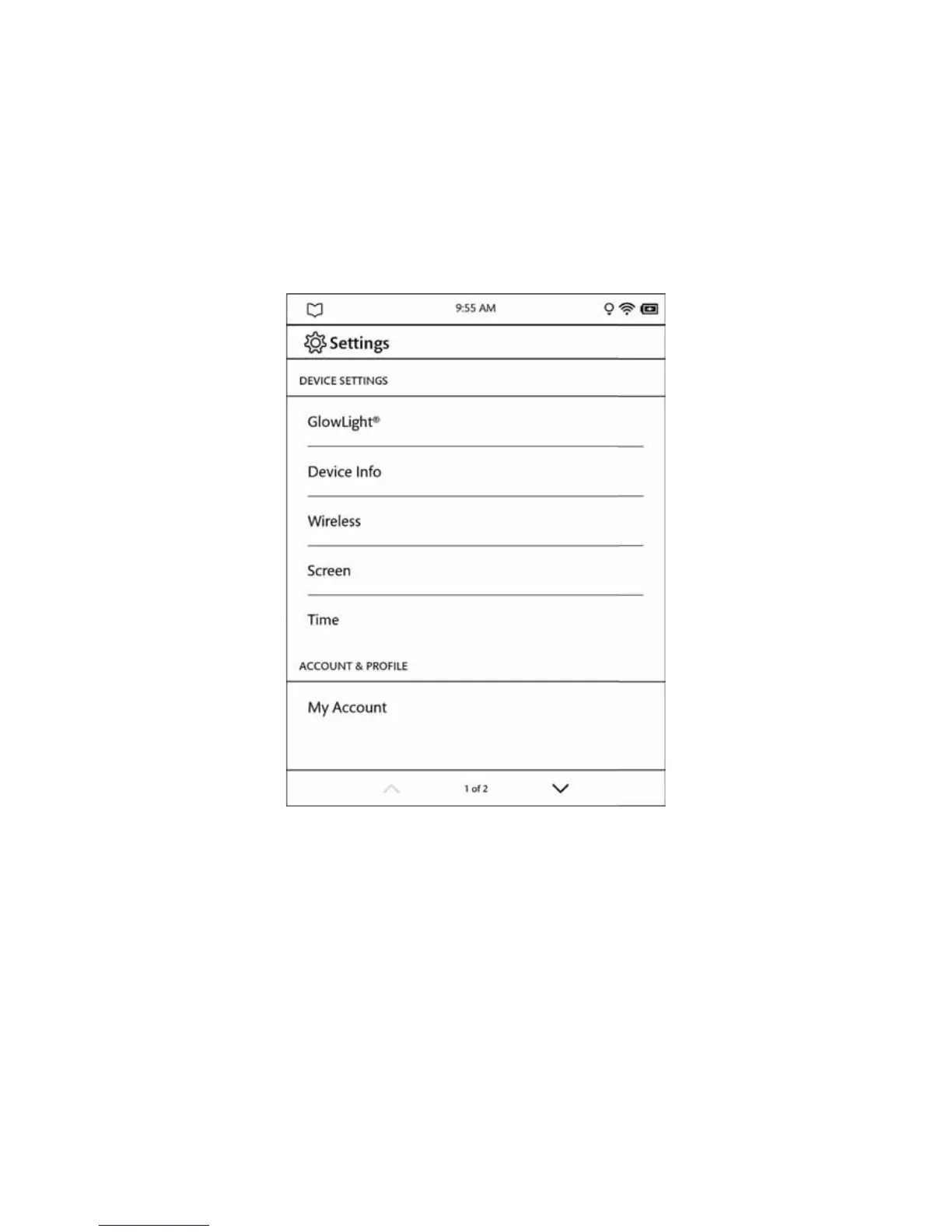
Your NOOK opens the Settings screen, which looks like this:
The Settings screen.
The Settings screen leads to pages for configuring dierent aspects of your NOOK. When you’re on a page for a spe-
cific feature, you can always return to the main Settings screen by tapping the Back arrow on the upper left of a page.



 To Next Page