32 Barnes & Noble NOOK User Guide
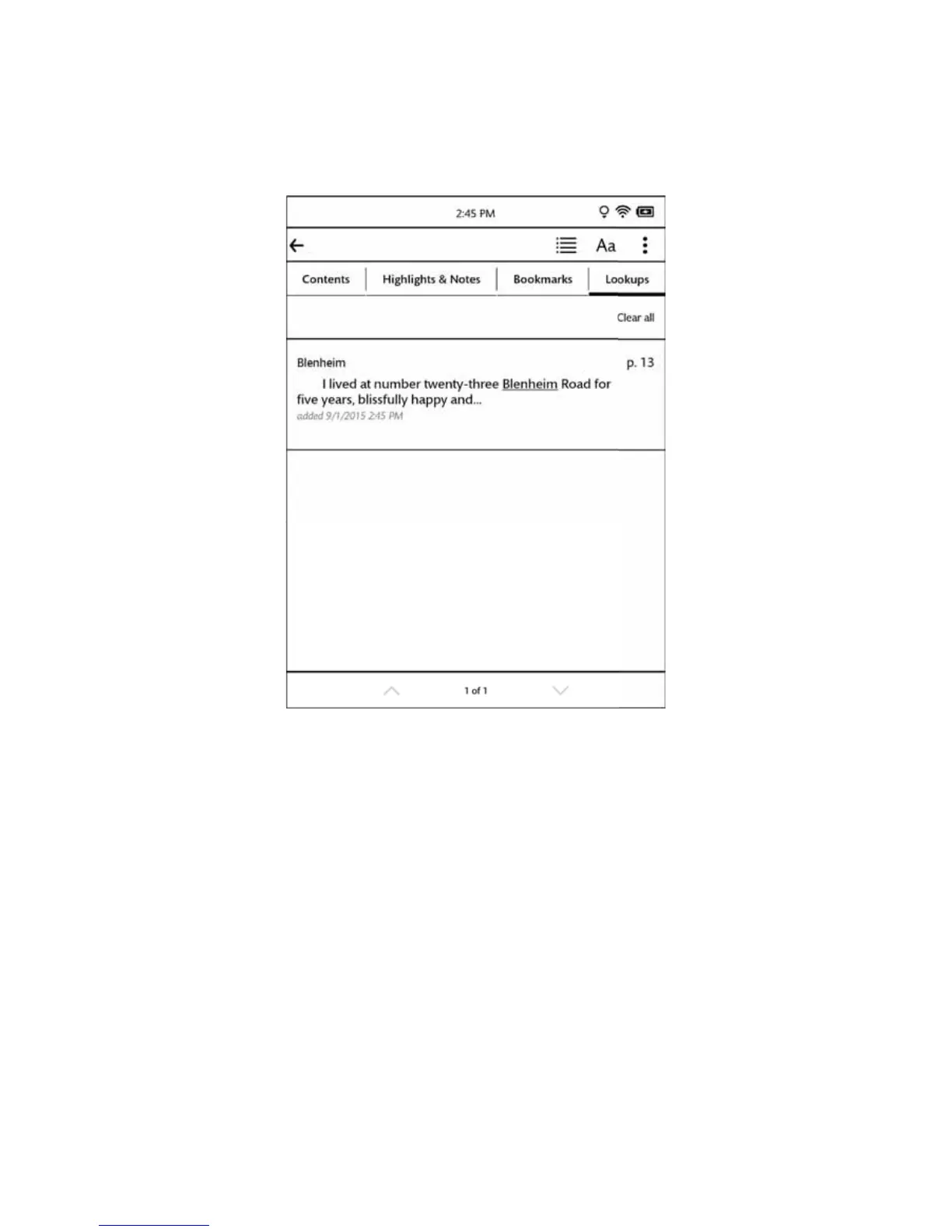
Tapping on the Lookups tab displays the Lookups screen, which lists words you have looked up while reading. The
Lookups screen looks like this:
The Lookups tab.
Each looked-up word appears with part of text around it from book, along with an indication of when you first
looked up the word.
Tap on a word to see its dictionary definition.
To erase the list of lookups, tap the Clear all button. If you are viewing the lookups just for this book, only those
lookups are deleted. If you are viewing the lookups across all your books, tapping Clear all deletes all the lookups in all
your books.
To delete just a single entry in the list, press and hold on the word until a dialog box opens. The dialog box asks you
to confirm that you want to delete the word. To proceed, tap OK. Otherwise, tap Cancel.



 To Next Page