42 Barnes & Noble NOOK User Guide
Using Bookmarks
Adding a Bookmark
A bookmark marks a location in a book. In a printed book, a bookmark helps you find the page where you left o
reading.
You can set bookmarks in books to make it easy to jump to specific locations You can set as many bookmarks as you
like.
To set a bookmark on the page you are reading, do this:
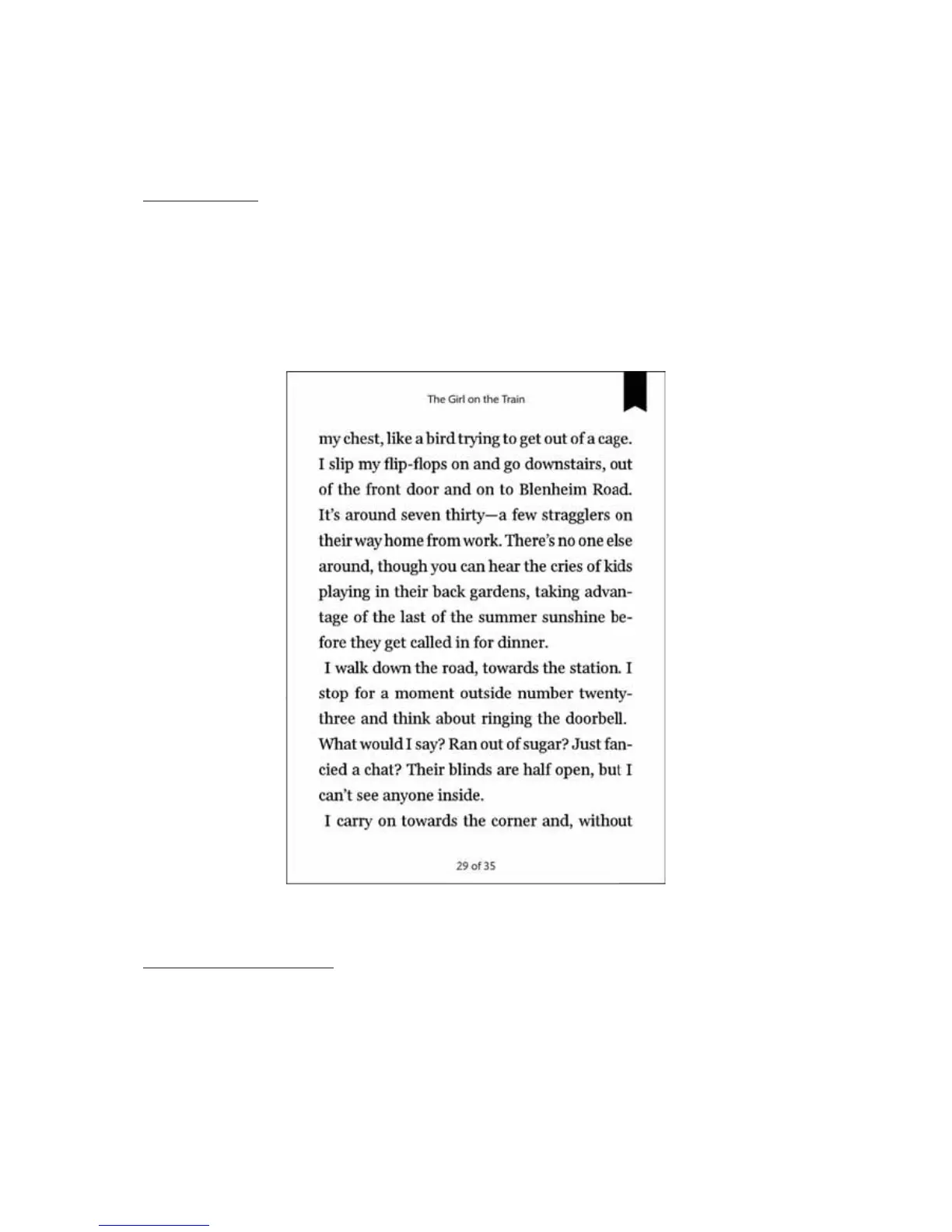
1. Tap in the upper right corner of the page.
A dark ribbon appears in the corner of the page, indicating that a bookmark has been placed.
A bookmark symbol appears when you tap in the upper right corner of the page. By setting bookmarks,
you make it easier to return to a location in your book.
Viewing All Bookmarks in a Book
To view a list of all the bookmarks in a book, do this:
1. Tap the center of the page to open the Reading Tools.
2. In the Reading Tools, tap the Contents icon.



 To Next Page