44 Barnes & Noble NOOK User Guide
Selecting Text to Look up Words, Add Highlighting or Notes, and Share Quotes with Friends
You can select a word or a passage of text. Once you have selected a word, you can look it up in a dictionary. You
can also select words or passages for highlighting, making notes, or sharing through email or social media networks
such as Facebook.
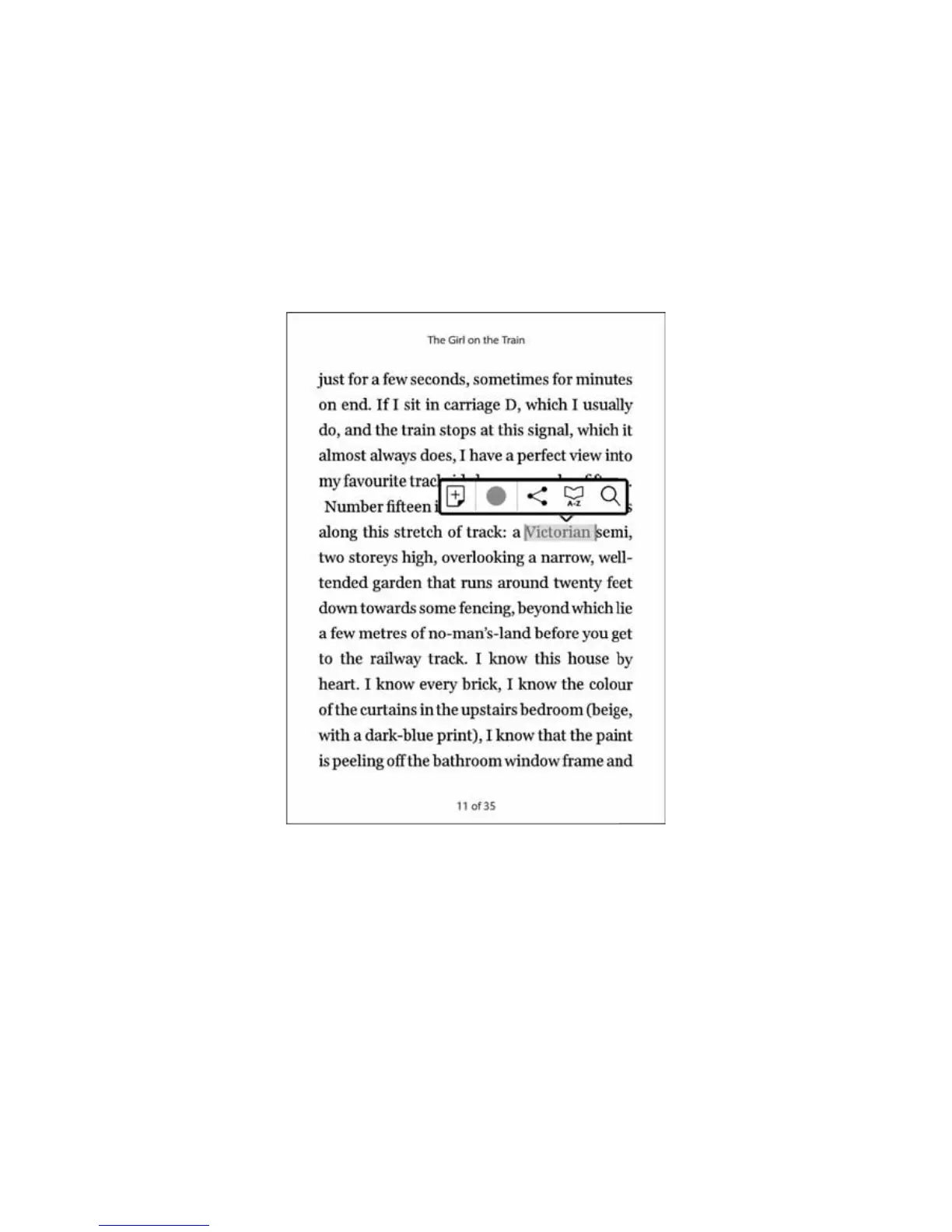
To select a word or a passage of text, press and hold on a word and then lift your finger.
The word appears highlighted, and two vertical bars will appear on either side of it, defining the start and end of the
selected text.
A selected word and the Text Selection Toolbar.



 To Next Page