46 Barnes & Noble NOOK User Guide
Looking Up Words in the Dictionary
It’s easy to look up information about a word or topic when you’re reading.
Looking Up a Word in the Dictionary
Your NOOK includes the Merriam-Webster’s Collegiate
®
Dictionary, Eleventh Edition.
To look up a word in the dictionary, do this:
1. Press and hold on a word to select it.
2. Tap the A-Z button in the Text Selection Toolbar.
A pop-up window appears, presenting a dictionary definition of the word. To close the window, tap the X in the
upper right corner.
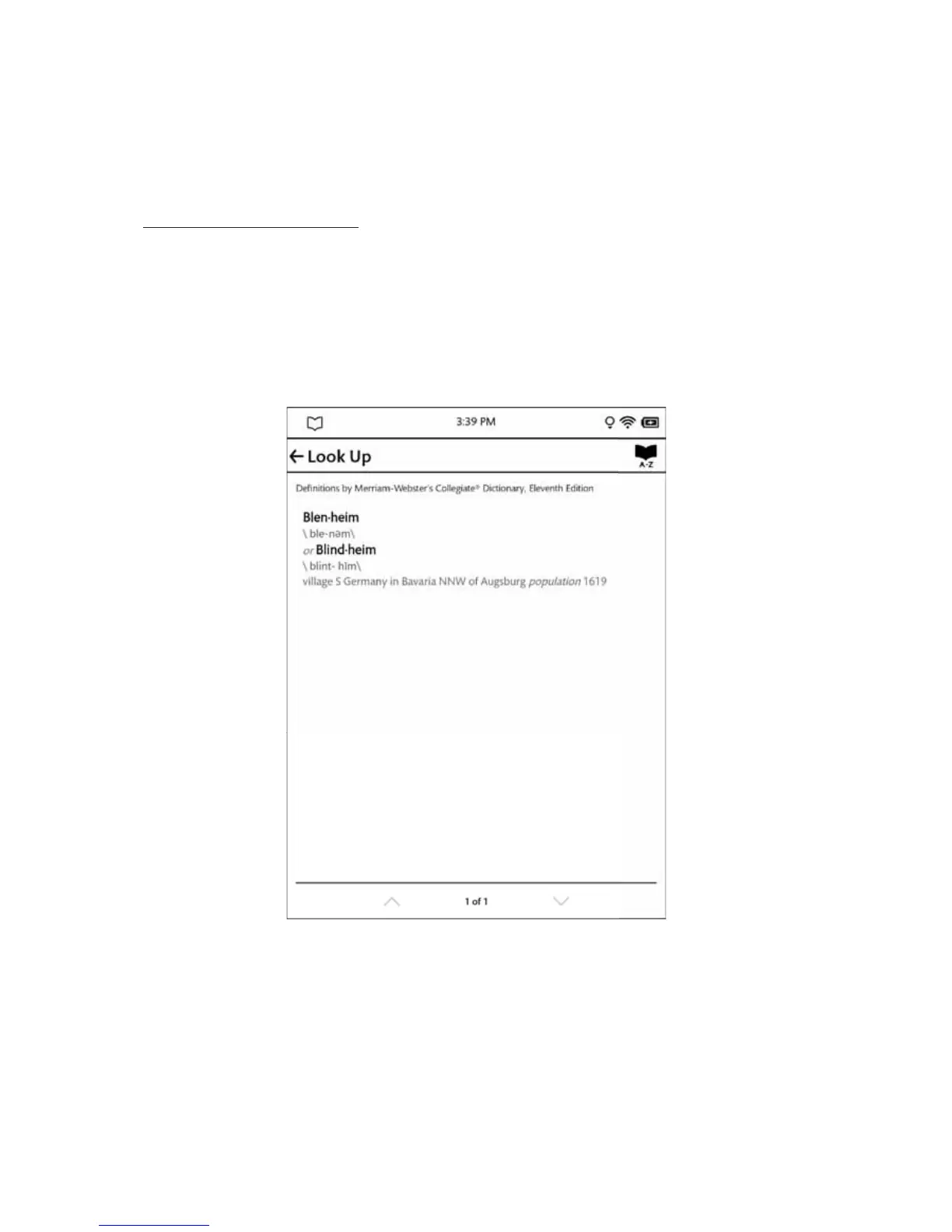
The picture below shows an example of a dictionary definition.
A definition from your NOOK’s built-in dictionary.



 To Next Page