Barnes & Noble NOOK User Guide 69
To open a content selection for reading, tap the READ MORE link at the end of the content’s excerpt in a stream.
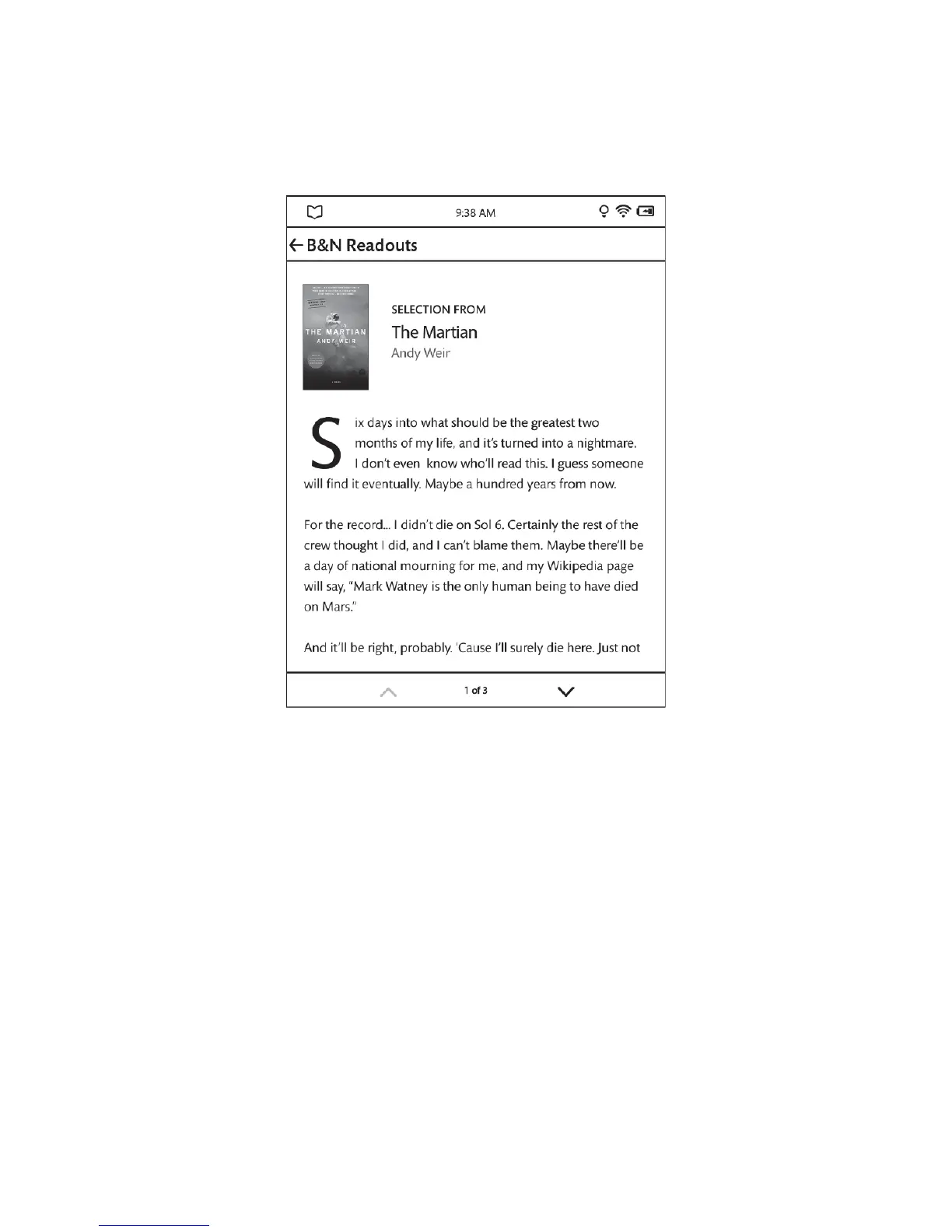
B&N Readouts displays several pages of content from the book or article you selected.
An example of content in B&N Readouts.
Use the up and down arrows at the bottom of the screen to scroll through the selection.
At any time, you can exit the selection and return to the previous B&N Readouts stream by tapping B&N Readouts in
the upper left corner of the screen.



 To Next Page