Barnes & Noble NOOK User Guide 87
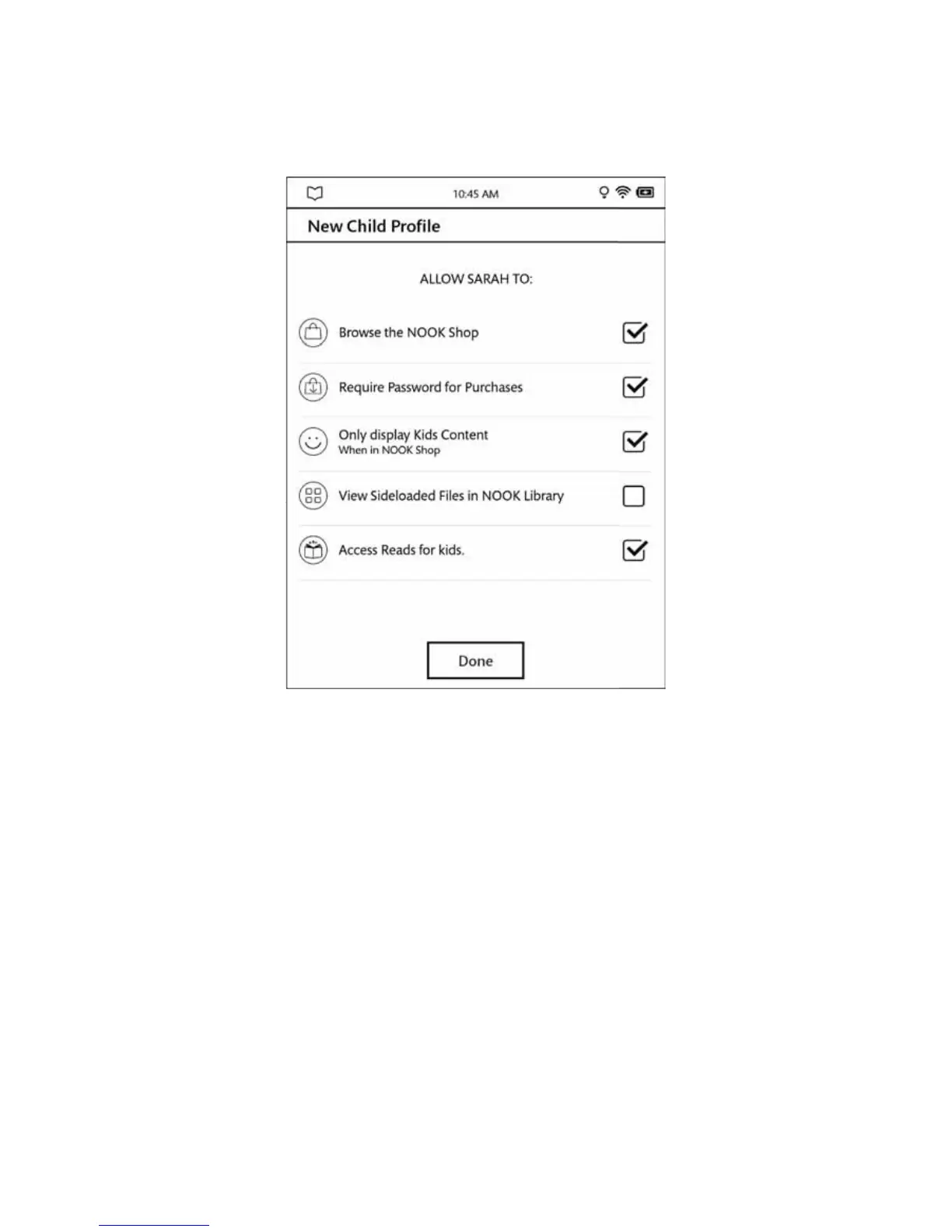
The parental controls are shown here:
10. Adjust the controls as you like.
11. Tap Done.
Your NOOK creates the child profile with the permissions you specified. If you have not specified a four-digit
passcode or PIN to protect the privacy of your NOOK, you will be asked to do so after you create your first
child profile. Assigning a passcode prevents a child from accessing content in any adult profile, including the pri-
mary profile.
Overview of Parental Controls
Simple-to-use parental controls help create a “kid-safe” experience on your NOOK. Using parental controls, you can
limit the types of content that child profiles can view and purchase. You set up parental controls when you create a
child profile. You can adjust them later if you like by editing the child profile.
Using parental controls, you can control whether or not a specific child profile can:
• Browse the NOOK Shop
• Purchase from NOOK Shop only when using your NOOK account password
• Shop only for kids’ content in the NOOK Shop
• View Sideloaded Files in NOOK Library



 To Next Page