Barnes & Noble NOOK HD+ User Guide 53
Hearing a Book Read Aloud
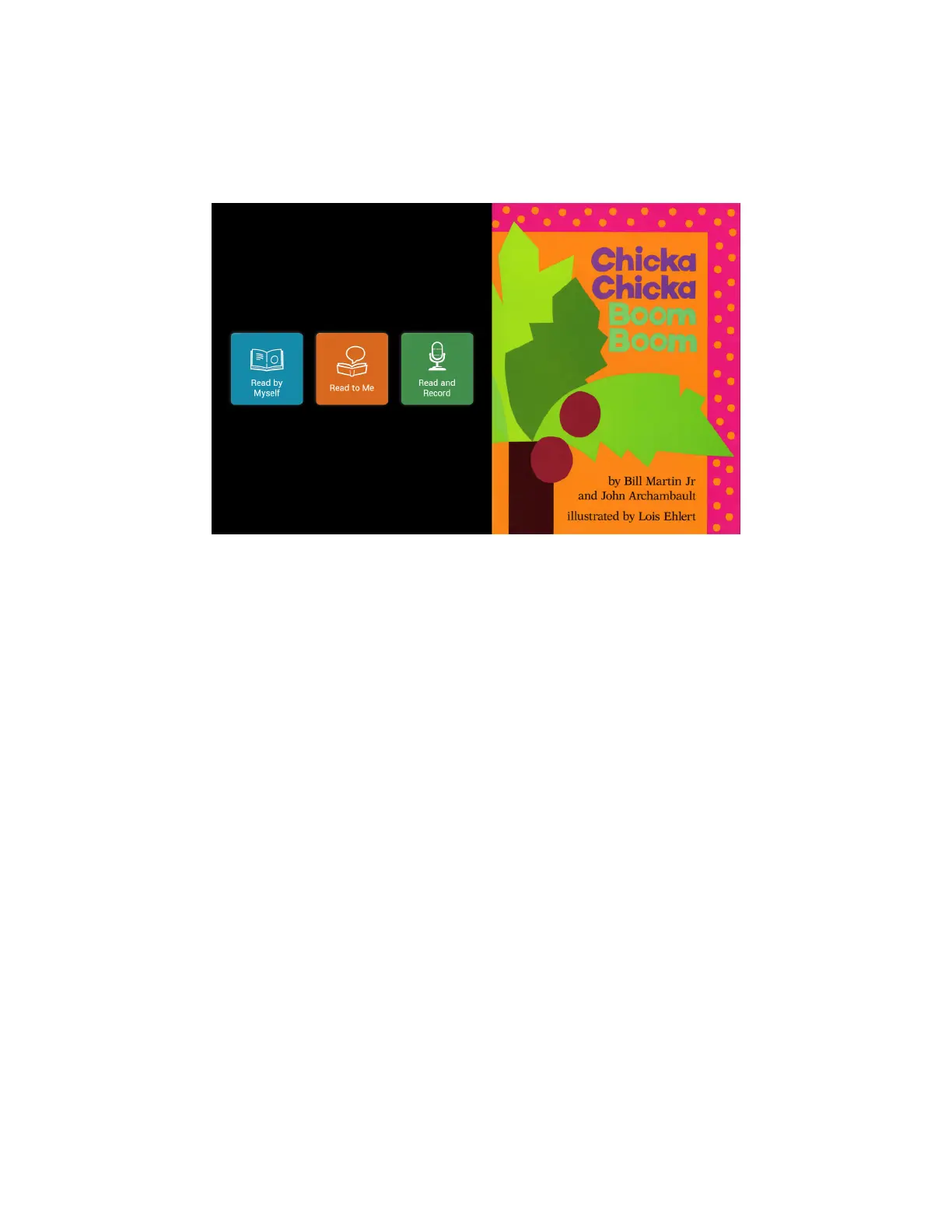
Read to Me and Read and Play books feature an audio track. Tap the orange Read to Me or the purple Read and Play
buttons to hear the story read aloud as you turn the pages. The NOOK Kids book will play the audio track by default
if you open the front cover of one of these books.
Choosing Read to Me in this NOOK Kids book will play the audio track automatically as you turn pages.



 To Next Page