54 Barnes & Noble NOOK HD+ User Guide
Read and Play Books
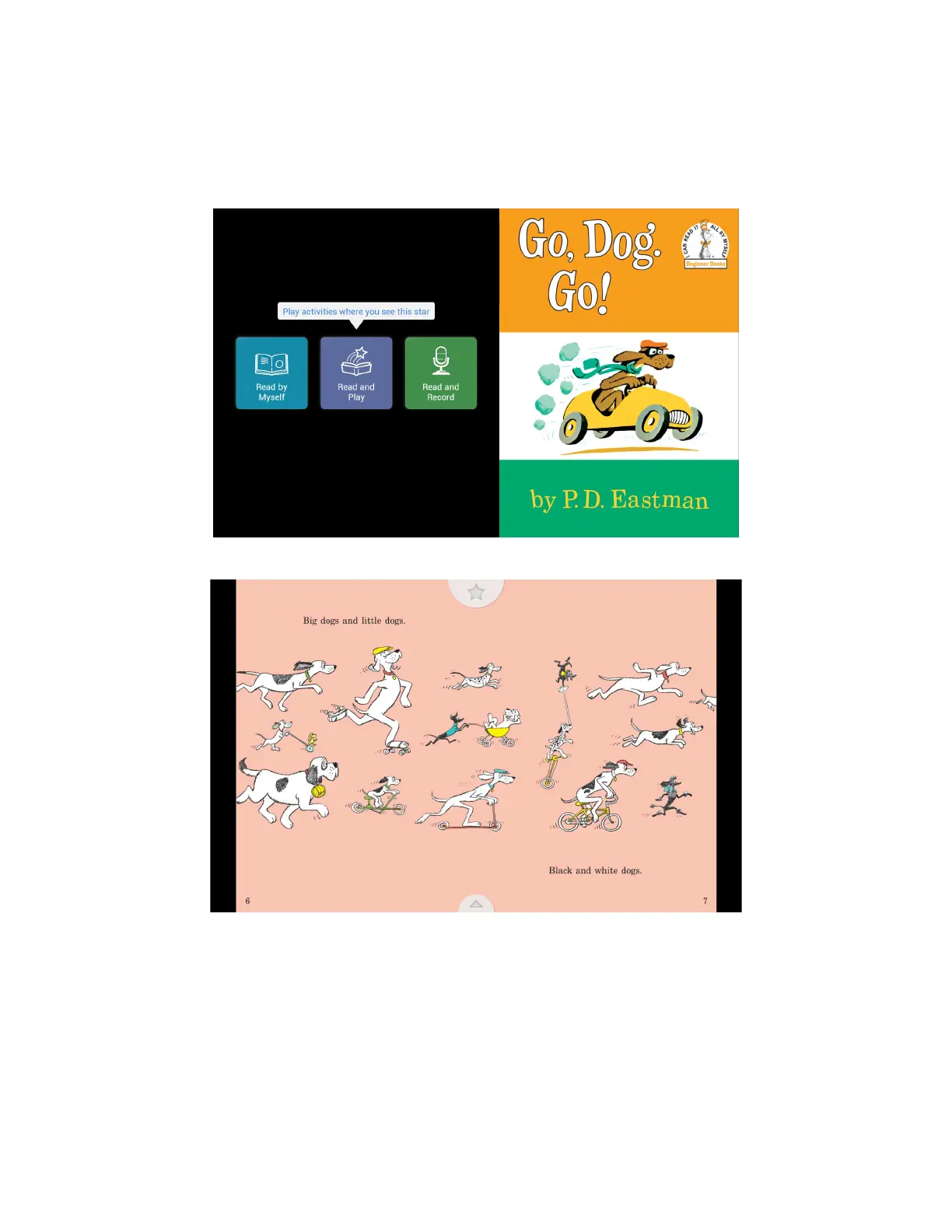
If a NOOK Kids book displays the purple Read and Play button with a star symbol on its first screen, that book in-
cludes special activities that enable readers to interact with the book’s content. Pages with activities display an Activity
button with a white star at the top of the page. Tap the Activity button to start or stop the activity.
The front cover of a Read and Play book.
A page of a Read and Play book displaying the Activity button at the top of the page.



 To Next Page