57
6.3.3 Inspections during operation
During operation the Nordmann ES4 and the humidication system have to
be inspected weekly. On this occasion check the following:
• the water and steam installation for any leakage.
• the steam humidier and the other system components for correct xing
and any damage.
• the electric installation for any damage.
If the inspection reveals any irregularities (e.g. leakage, error indication)
or any damaged components take the Nordmann ES4 out of operation as
described in chapter 6.5. Then, contact your Nordmann representative.
6.4 Carrying out manual draining
Proceed as follows to drain the unit manually:
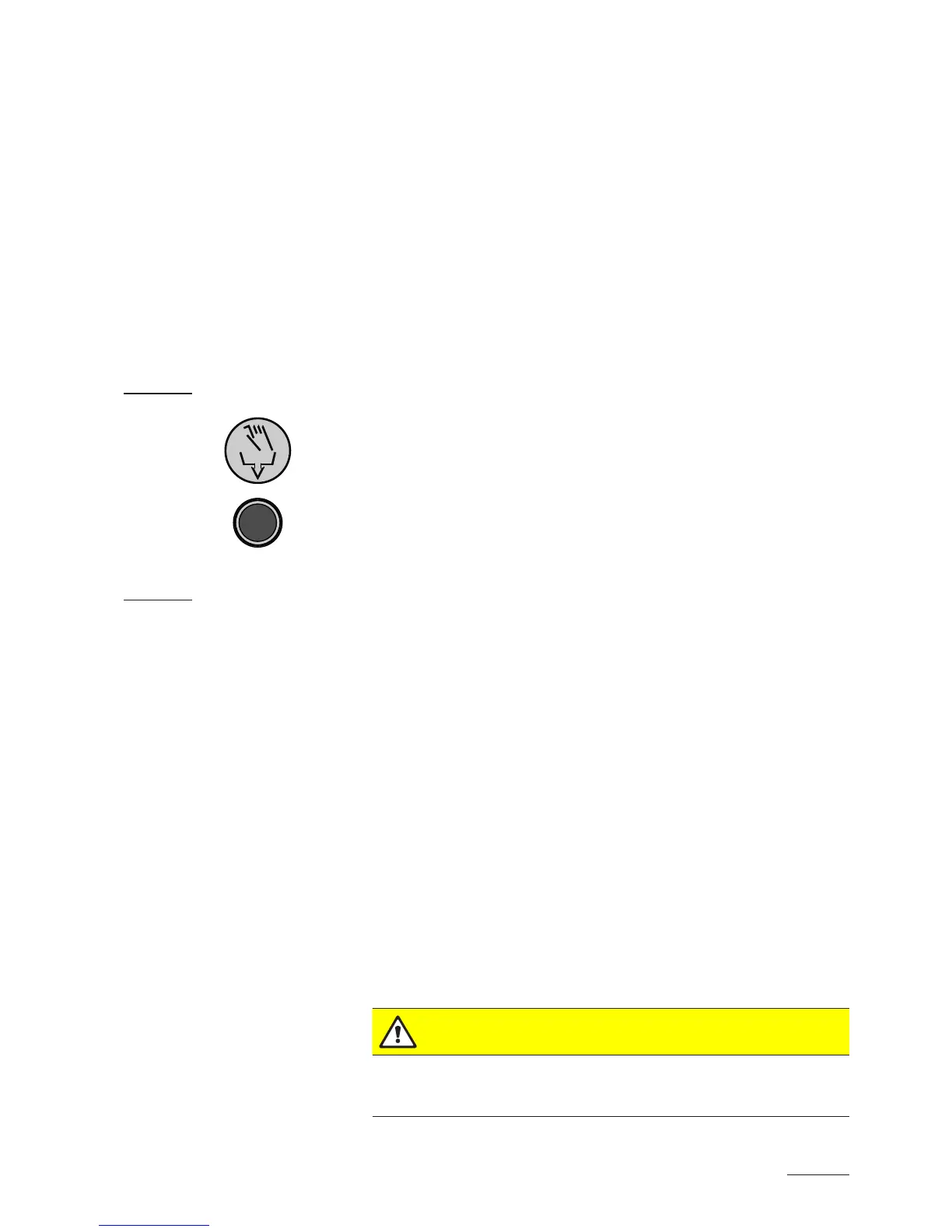
1. Briey press the drain/info key. The heating voltage is interrupted
and the drain valve opens. The yellow LED ashes.
Note: the drain valve closes after 10 minutes automatically
2. To stop the drain cycle briey press the drain/info key again.
6.5 Taking the unit out of operation
In order to take the steam humidier out of operation, perform the following
steps:
1. If the unit has to be switched off because of a malfunction, please note
the error code (number of ashes of the red and yellow LED) of the
actual error.
2. Close the shutoff valve in the water supply line.
3. Start manual draining (see chapter 6.4) and wait until the steam cylinder
is empty.
4. Actuate the unit switch.
5. Disconnect steam humidier from the mains: Switch off all service
switches to mains supplies (heating and control voltage) and secure
switches in “off” position against accidentally being switched on, or
clearly mark the switches.
6. If ambient temperatures ≤ 0°C must be expected when the unit is out
of operation (operation of the Nordmann ES4 in a protective housing
outside the building): drain the water supply pipe and the water lter
(lter valve).
WARNING!
Danger of burning!
If steam was produced just before the unit is taken out of operation, wait
before opening the unit and let the steam cylinder cool down to prevent
danger of burning.



 To Next Page