68
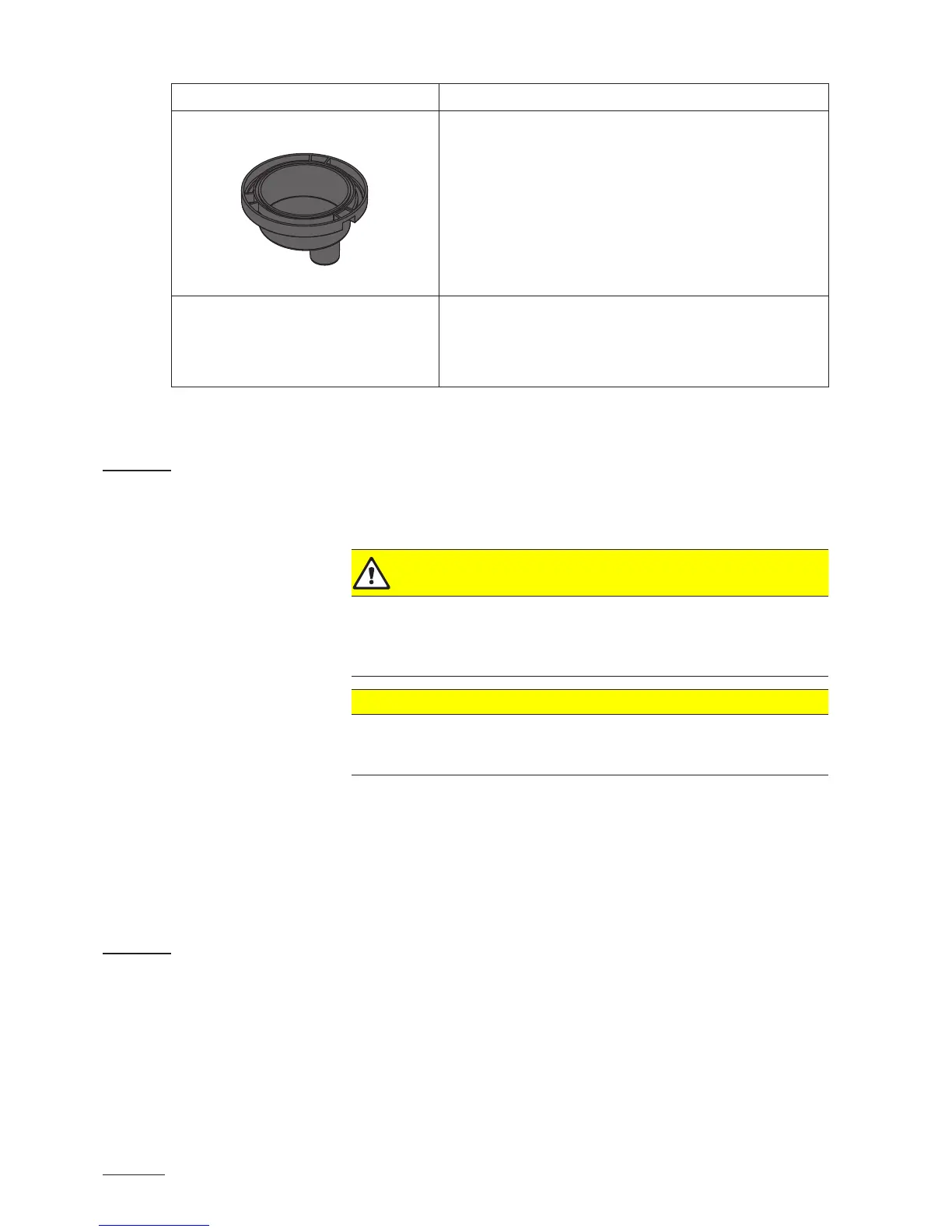
Unit component What to clean and how to clean
Drain cup • Use a brush to remove any limscale from the drain cup
and the receptacle on the bottom side of the unit (do
not use a wire brush).
If the drain cup is heavily calcied, place it in an 8% formic
acid solution (observe safety notes in chapter 7.5),
until the limescale comes off.
• Wash the drain cup and the receptacle on the bottom
side of the unit with a lukewarm soap solution, rinse the
parts well with tap water.
Interior of the unit
(water side only)
Wipe the interior of the unit with a damp cloth without using
any cleaning agent.
CAUTION: Take care that the electrical connections and
the electronic components remain dry!
7.5 Notes on cleaning agents
Only use cleaning agents stated in the table above. The use of disinfect-
ants is only permitted if they do not leave any toxic residues. In any case
the parts must be thoroughly rinsed with water after cleaning.
WARNING!
Formic acid is indeed harmless to the skin, but it attacks the mucous
membranes. Therefore prevent your eyes and respiratory tracts from
getting in touch with the acid and its vapours (wear goggles and work in
a well ventilated room or outside).
CAUTION!
Do not use any solvents, aromatized or halogenized hydrocarbons
or other aggressive substances as they may cause damage to the
components of the unit.
It is mandatory to observe and comply with the information and instructions
regarding cleaning agents. Observe in particular: all information relating
to the protection of personnel, environmental protection and restrictions
regarding usage.
7.6 Resetting the maintenance indication
After completing maintenance work, the maintenance indication (yellow
LED lights) must be reset as follows:
• Press drain key with the unit switched off and hold down.
• Switch on steam humidier via the unit switch.
• Hold drain key down until the system test is completed (approx. 10 sec-
onds).



 To Next Page