118 / Feature Operations
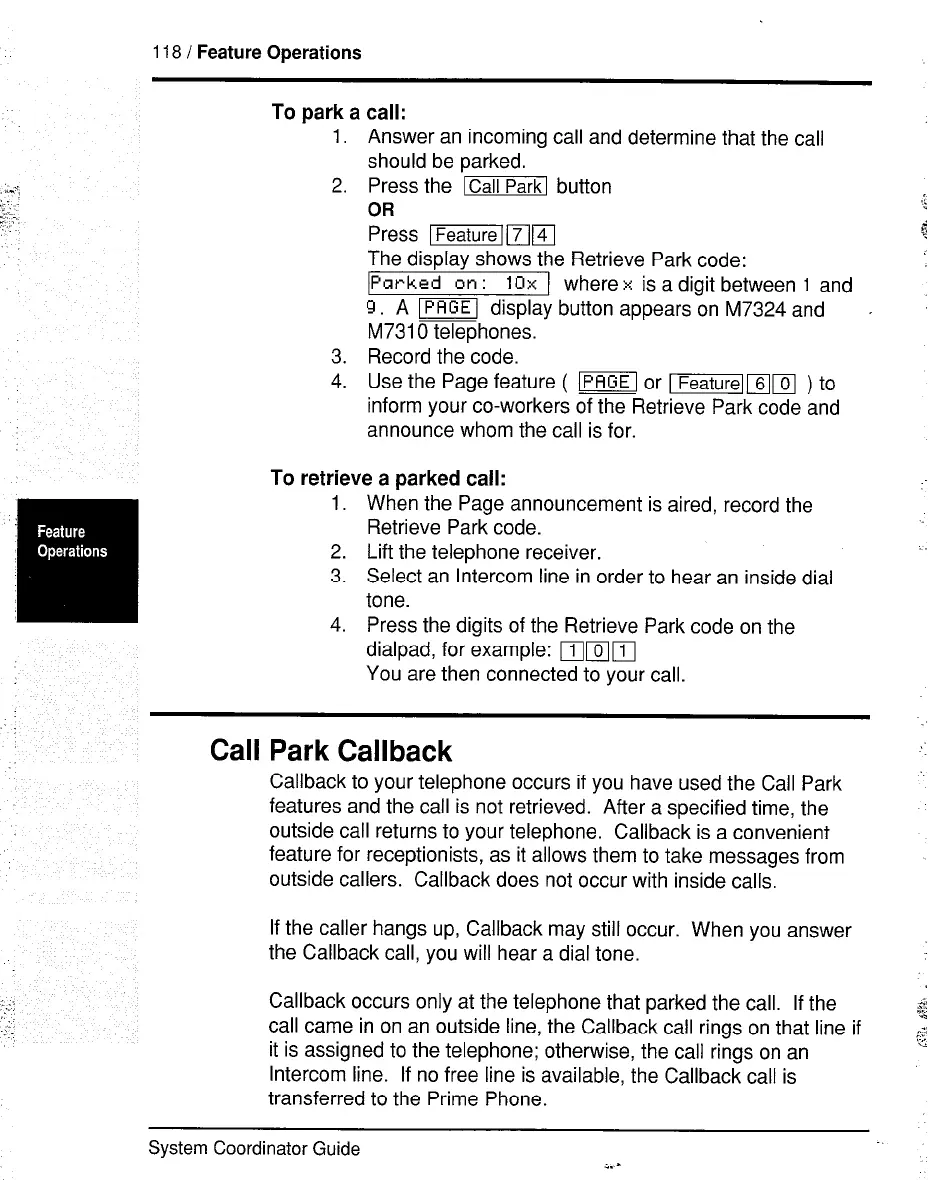
To park a call:
1.
2.
Answer an incoming call and determine that the call
should be parked.
3.
4.
Press the ‘I button
OR
Li
Press IfeaturelmFI
$
The display shows the Retrieve Park code:
[Parkeb
dn: 10x 1 wherex is a digit between 1 and
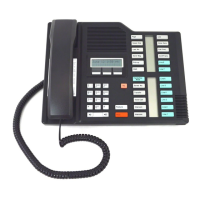
9. A ~ display button appears on M7324 and
.
M7310 telephones.
Record the’code.
Use the Page feature ( -1 or mmm ) to
inform your co-workers of the Retrieve Park code and
announce whom the call is for.
To retrieve a parked call:
1. When the Page announcement is aired, record the
Retrieve Park code.
2. Lift the telephone receiver.
-.
3. Select an Intercom line in order to hear an inside dial
tone.
4. Press the digits of the Retrieve Park code on the
dialpad, for example: mml
You are then connected to your call.
Call Park Callback
I
Callback to your telephone occurs if you have used the Call Park
features and the call is not retrieved. After a specified time, the
outside call returns to your telephone. Callback is a convenient
feature for receptionists, as it allows them to take messages from
outside callers. Callback does not occur with inside calls.
”
If the caller hangs up, Callback may still occur. When you answer
the Callback call, you will hear a dial tone.
-.:
,’
Callback occurs only at the telephone that parked the call. If the
call came in on an outside line, the Callback call rings on that line if
it is assigned to the telephone; otherwise, the call rings on an
Intercom line. If no free line is available, the Callback call is
transferred to the Prime Phone.
System Coordinator Guide



 To Next Page