28 / Administration
1. System Speed Dial
How It Works
System Speed Dial provides a list of up to 70 telephone numbers
that can be dialed from any telephone in your system by means of
a two-digit code (01 to 70). The maximum length of a Speed Dial
Number is 16 digits.
Entries in the System Speed Dial list should be emergency ’
numbers or outside telephone numbers that are called regularly by
many people in the office. Numbers used by few people, or only
one person, should be Autodial or Personal Speed Dial entries on
individual telephones. The Personal Speed Dial feature works the
same way as the System Speed Dial feature, but uses a different
range of codes (71-94). Consult the “Autodial” and “Speed Dial -
Personal” sections in the Feature Operation chapter of this Guide
for further information.
In Administration, you can see the numbers entered in your system,
and add or delete entries. A new system contains no default Speed
Dial entries. To use System Speed Dial codes, follow the
procedures in the Feature Operation chapter of this Guide, or on
the User Cards for each telephone.
The Job Aids chapter of this Guide contains a convenient chart that
you can photocopy, fill out, and distribute to your co-workers as a
reference to System Speed Dial codes and the corresponding
telephone numbers. Keep the page in the Job Aids chapter blank,
and use it as a master copy.
System Speed Dial Procedures
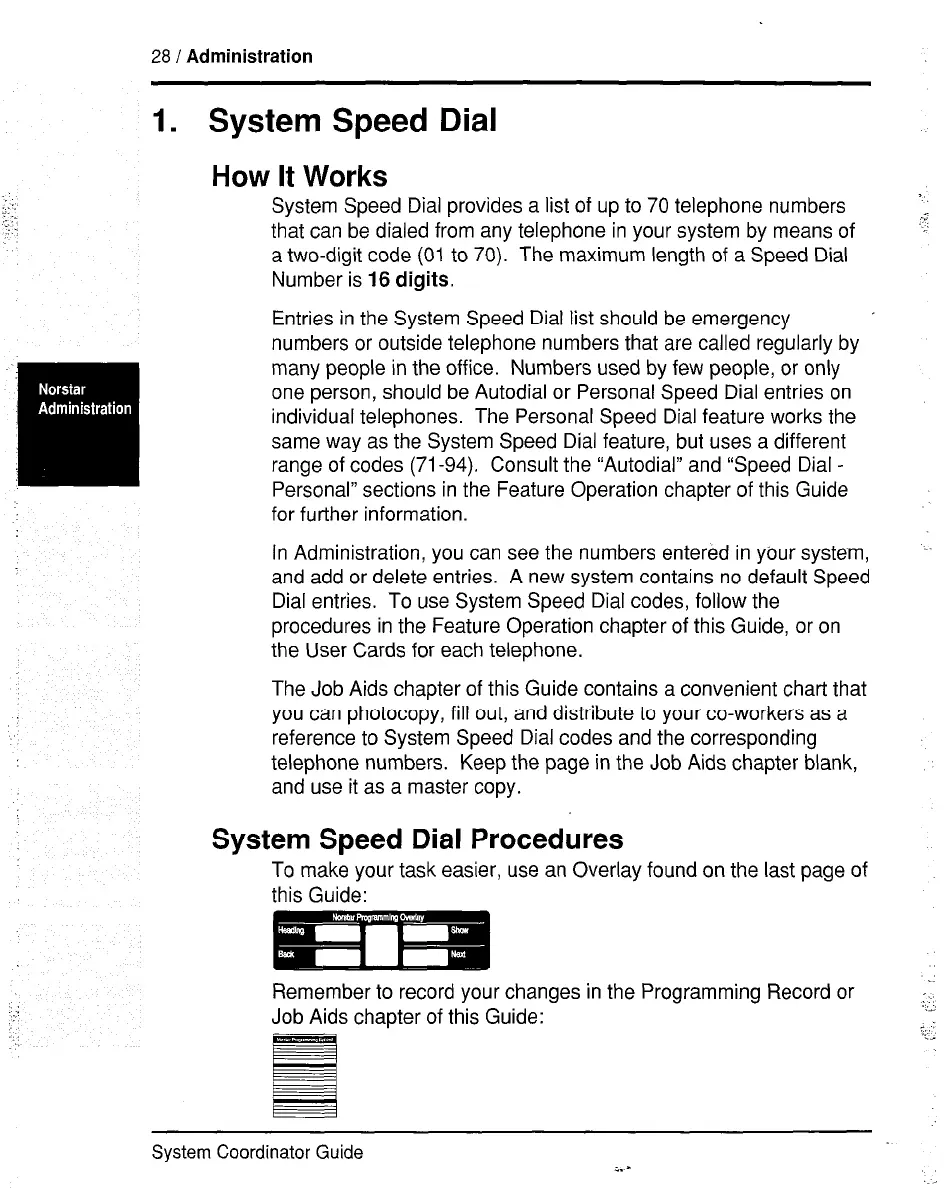
To make your task easier, use an Overlay found on the last page of
this Guide:
Remember to record your changes in the Programming Record or
Job Aids chapter of this Guide:
System Coordinator Guide
i. -



 To Next Page