92 / Feature Operations
Programming Reference Guide
‘.;,
:
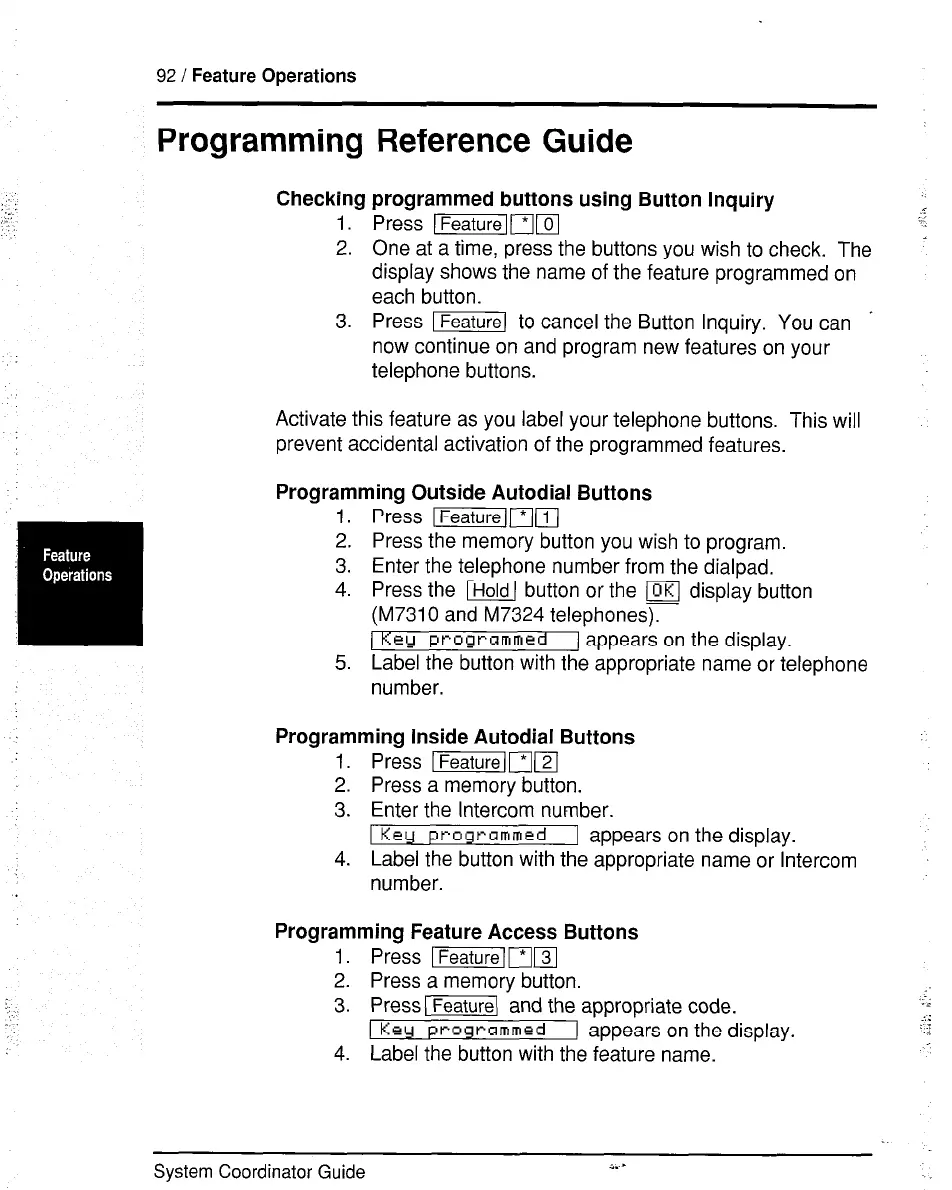
Checking programmed buttons using Button Inquiry
1. Press )FSXKj~~
2. One at a time, press the buttons you wish to check. The
display shows the name of the feature programmed on
each button.
3. Press Ifeature) to cancel the Button Inquiry. You can .
now continue on and program new features on your
telephone buttons.
:..
i
Activate this feature as you label your telephone buttons. This will
prevent accidental activation of the programmed features.
Programming Outside Autodial Buttons
1.
2.
3.
4.
5.
P&is Ifeaturelm(l
Press the memory button you wish to program.
Enter the telephone number from the dialpad.
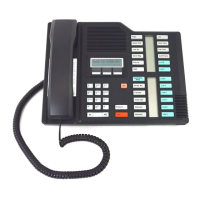
Press the m button or the (OKI display button
(M7310 and M7324 telephones).
Key programmed 1 appears on the display.
Label the button with the appropriate name or telephone
number.
Programming Inside Autodial Buttons
1. Press I~I?J
2. Press a memory button.
3. Enter the Intercom number.
1 Kerr programmed
1 appears on the display.
4. Label the button with the appropriate name or Intercom
number.
Programming Feature Access Buttons
1. Press -[ml
2. Press a memory button.
3. PressI-\ and the appropriate code.
1 Ke
-1 appears on the display.
4. Label the button with the feature name.
System Coordinator Guide
a.-
.


 To Next Page