20
/ Norstar Orientation
Preparing to administer your system
Choose the right telephone: Administration can only be
performed from an M7324 or M7310 telephone, and only one
telephone can access Norstar Administration at one time.
Choose the right time: While you are operating Norstar
Administration, the telephone you are using will be unable to make
’ or receive calls. Your co-workers will still be able to make and
receive calls on their telephones, but they will be unable to change
some of the settings on their telephones, such as Autodial buttons
and Personal Speed Dial codes.
Ending the session: At any time during Administration, you can
end the session by pressing the orange Rls button on the Norstar
telephone. Norstar records all changes to your system as you
make them, so it is not possible to Exit from Administration without
“saving” your changes.
Useful aids
User Cards: Each Norstar telephone comes with its own User
Card. These cards list the most commonly used Norstar features,
and explain how to use them.
Receiver Cards: Located underneath the receiver of each Norstar
telephone is a small card covered by a plastic window. This card
lists the Feature codes for Norstar’s most commonly used features
in your requested language.
Norstar Programming Overlay: At the back of this Guide, you will
find four copies of the Programming Overlay. One copy should be
placed over the buttons of the telephone while you perform
Administration tasks. The Overlay provides temporary labels for
M7324 or M7310 telephone buttons used in Administration
programming. Punch out an Overlay from the last page of this
Guide to assist you in Administration programming.
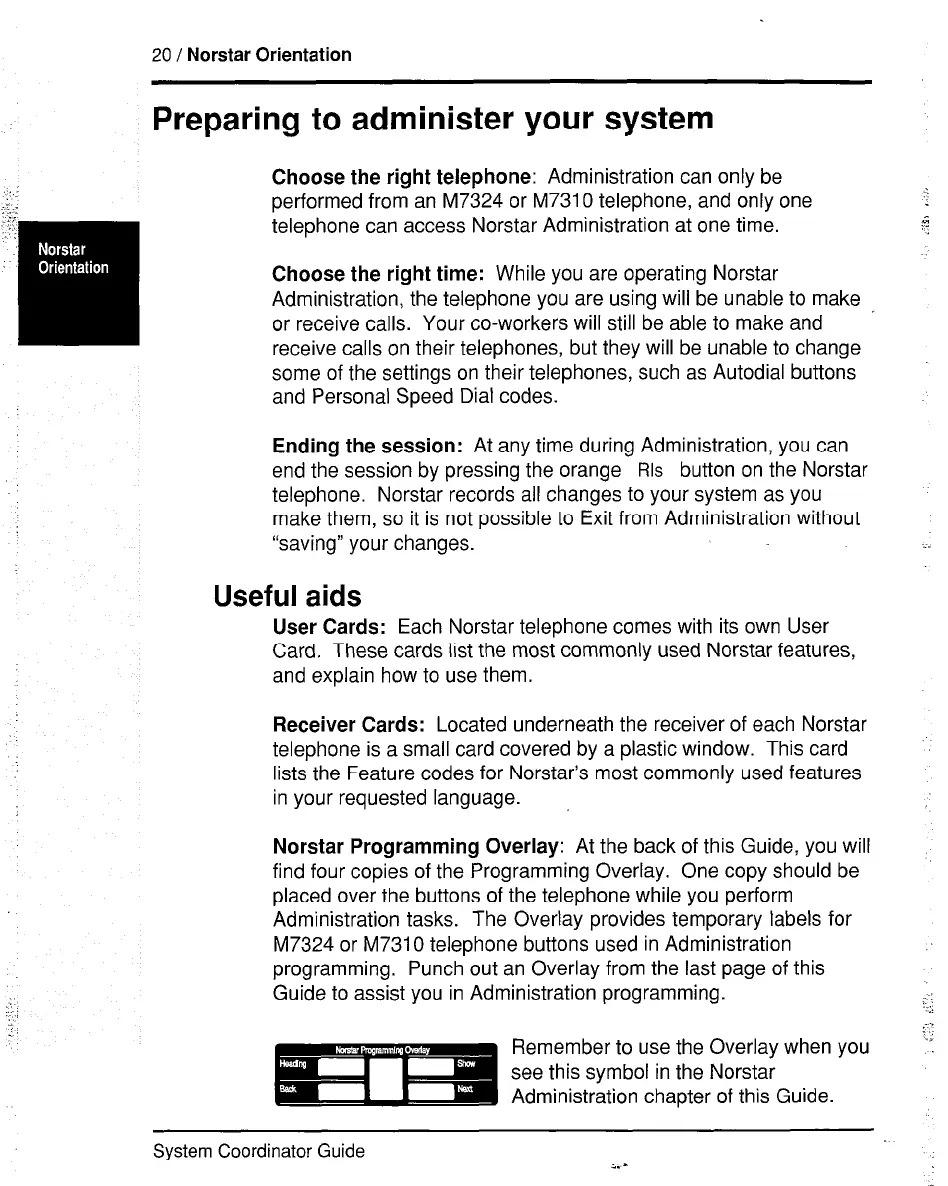
Remember to use the Overlay when you
see this symbol in the Norstar
Administration chapter of this Guide.
System Coordinator Guide
i. -



 To Next Page