Feature Operations / 153
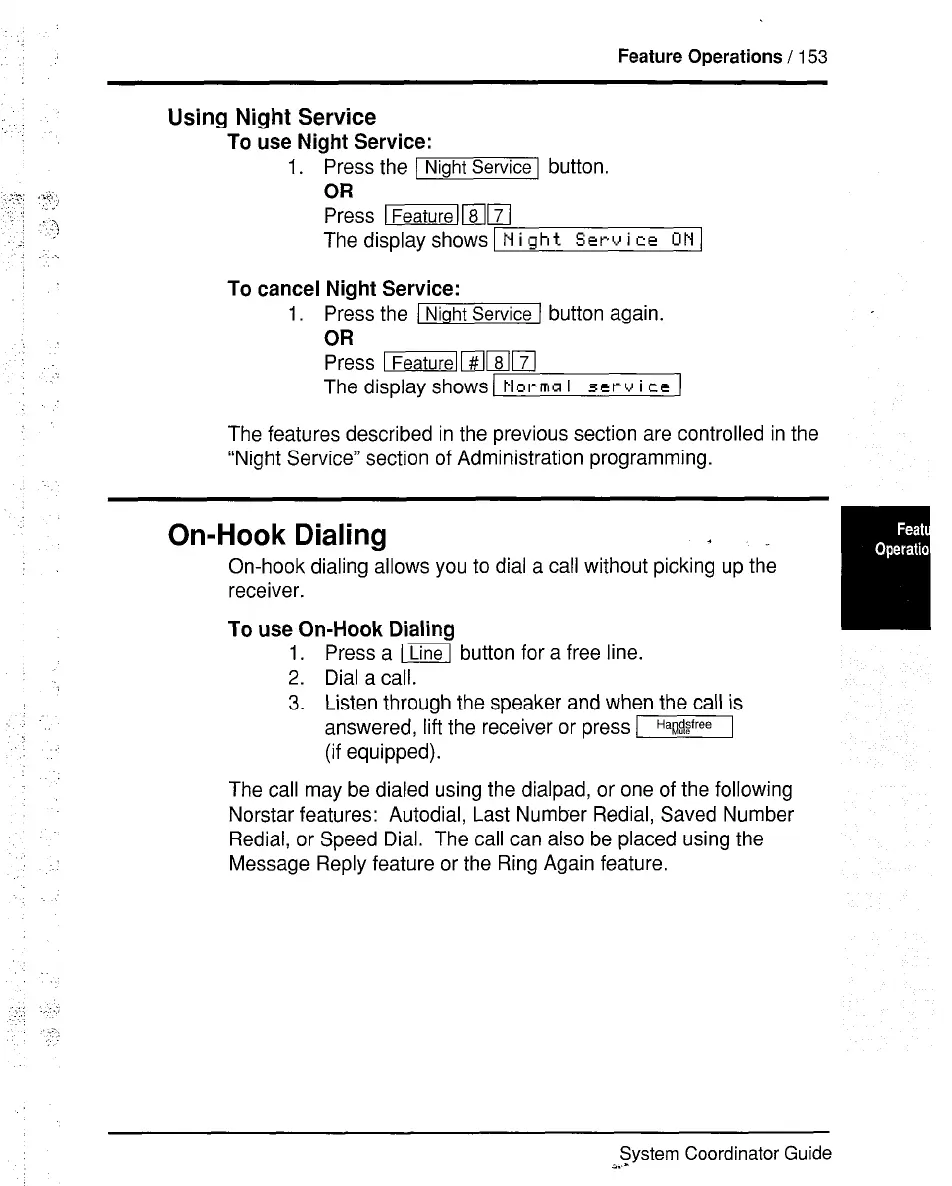
Using Night Service
To use
Night Service:
1.
Press
the
) Night Service
1 button.
OR
Press Ifeature)ml7(
ThedisplayshowsINight Service uH/
To cancel Night Service:
1. Press the ( Night Service
1 button again.
OR
Press Iml8
The display shows 1 Norma I 5erv i ce )
The features described in the previous section are controlled in the
“Night Service” section of Administration programming.
On-Hook Dialing
*
On-hook dialing allows you to dial a call without picking up the
receiver.
To use On-Hook Dialing
1. Press a rLine button for a free line.
2. Dial a call.
3. Listen through the speaker and when the call is
answered, lift the receiver or press m
(if equipped).
The call may be dialed using the dialpad, or one of the following
Norstar features: Autodial, Last Number Redial, Saved Number
Redial, or Speed Dial. The call can also be placed using the
Message Reply feature or the Ring Again feature.
System Coordinator Guide
a..-



 To Next Page