Feature Operations / 155
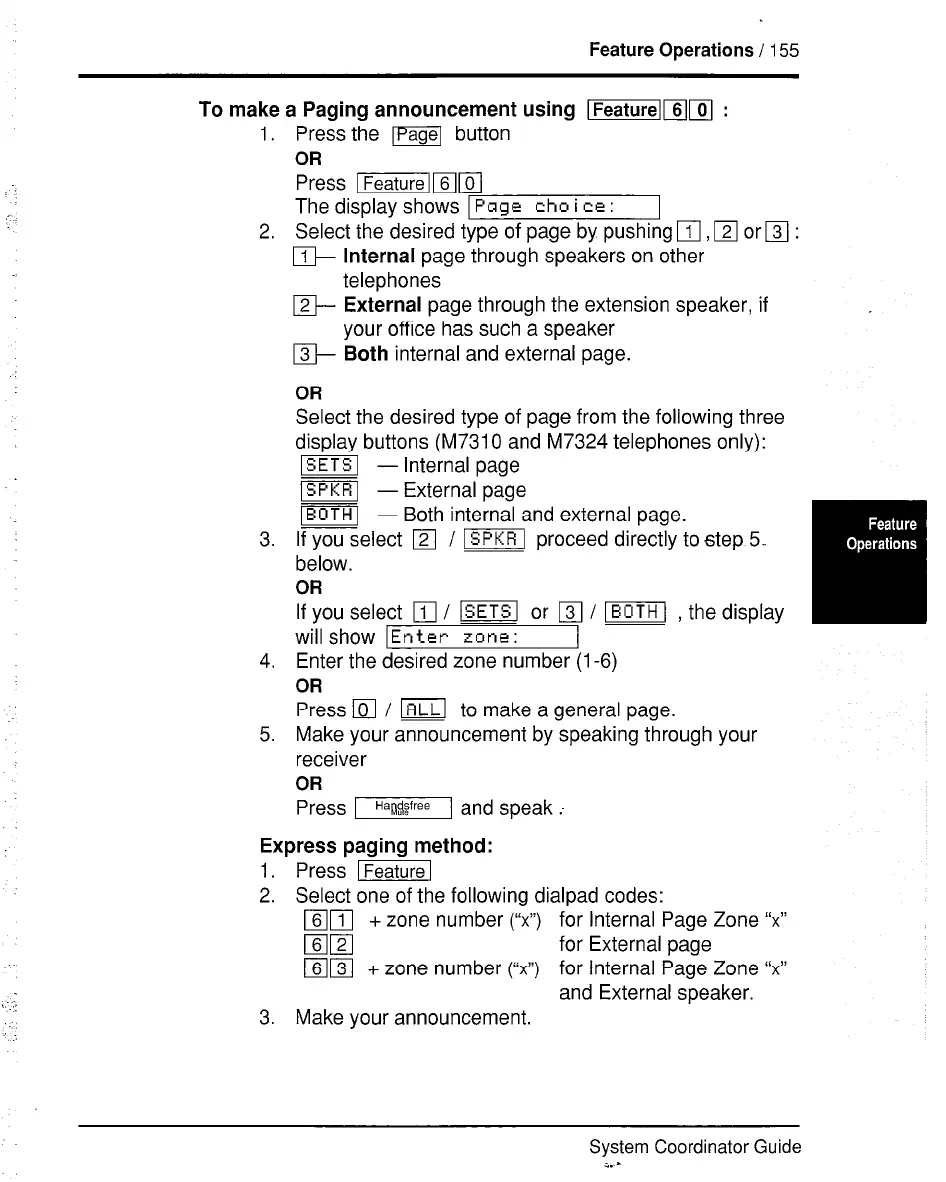
To make a Paging announcement using lml[l[ :
1.
2.
3.
4.
5.
Press the lPagel button
OR
Press IR$Gl
The display shows 1
Page chm i ce :
Select the desired type of page by pushing
q
,
q
or
q
:
m Internal page through speakers on other
telephones
m External page through the extension speaker, if
your office has such a speaker
m Both internal and external page.
OR
Select the desired type of page from the following three
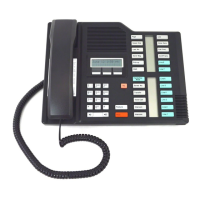
display buttons (M7310 and M7324 telephones only):
~ - Internal page
ISPKRl - External page
m - Both internal and external page.
If you select
q
/ ~ proceed directly to step 5..
below.
OR
If you select
q
/ lSETSl or
q
/ VI , the display
will show
Enter zone :
Enter the desired zone number
(l-6)
OR
Press
q
/ m to make a general page.
Make your announcement by speaking through your
receiver
OR
Press m and speak ;
Express paging method:
1. Press ~
2. Select one of the following dialpad codes:
mrl + zone number (“xl’) for Internal Page Zone “xl’
mm
for External page
mm + zone number (“x”) for Internal Page Zone “x”
and External speaker.
3. Make your announcement.
System Coordinator Guide
z. -



 To Next Page