:. 1
. . ..,
. . . . .
.I. _‘f
Norstar Orientation / 1.5
M7208 Default Buttons
(Square Template)
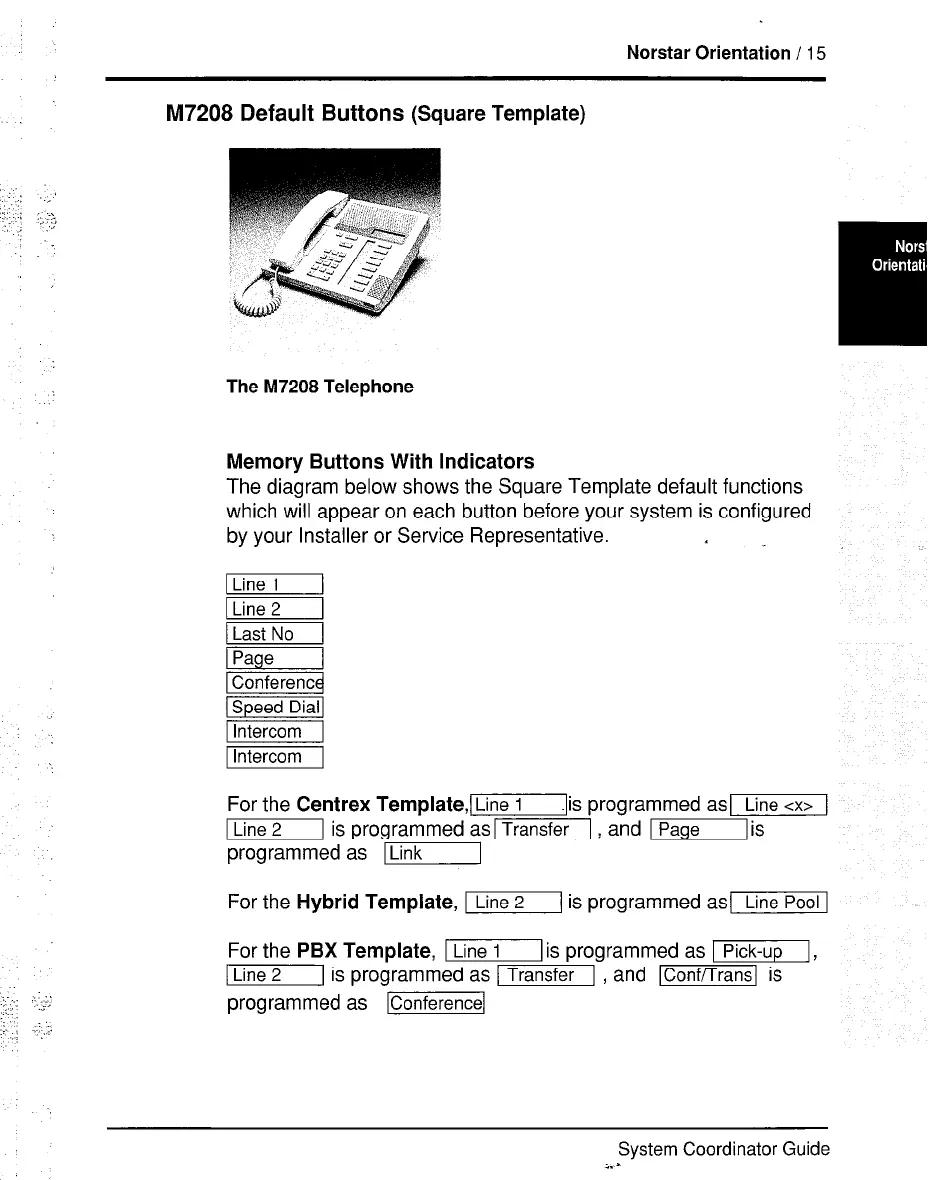
The M7208 Telephone
Memory Buttons With Indicators
The diagram below shows the Square Template default functions
which will appear on each button before your system is configured
by your Installer or Service Representative.
1 Intercom 1
For the
Centr *ex 1 ‘emplate,[
.lis programmed asL
Line 1
m is programmed as-1 , and lPage
programmed as 71
iiiGq
1
is
For the
Hybrid Template,
m is programmed asl
For the
PBX Template,
I[ is programmed as I,
I[ is programmed as m , and m is
programmed as lConferencel
System Coordinator Guide
i. -



 To Next Page