Flow Charts/ 241
Copying Night Service
When you copy Night Service information from one line to another, all the
settings from the original line are copied to the new line. If you wish to
copy only a few of the settings, you must program them individually for
each line.
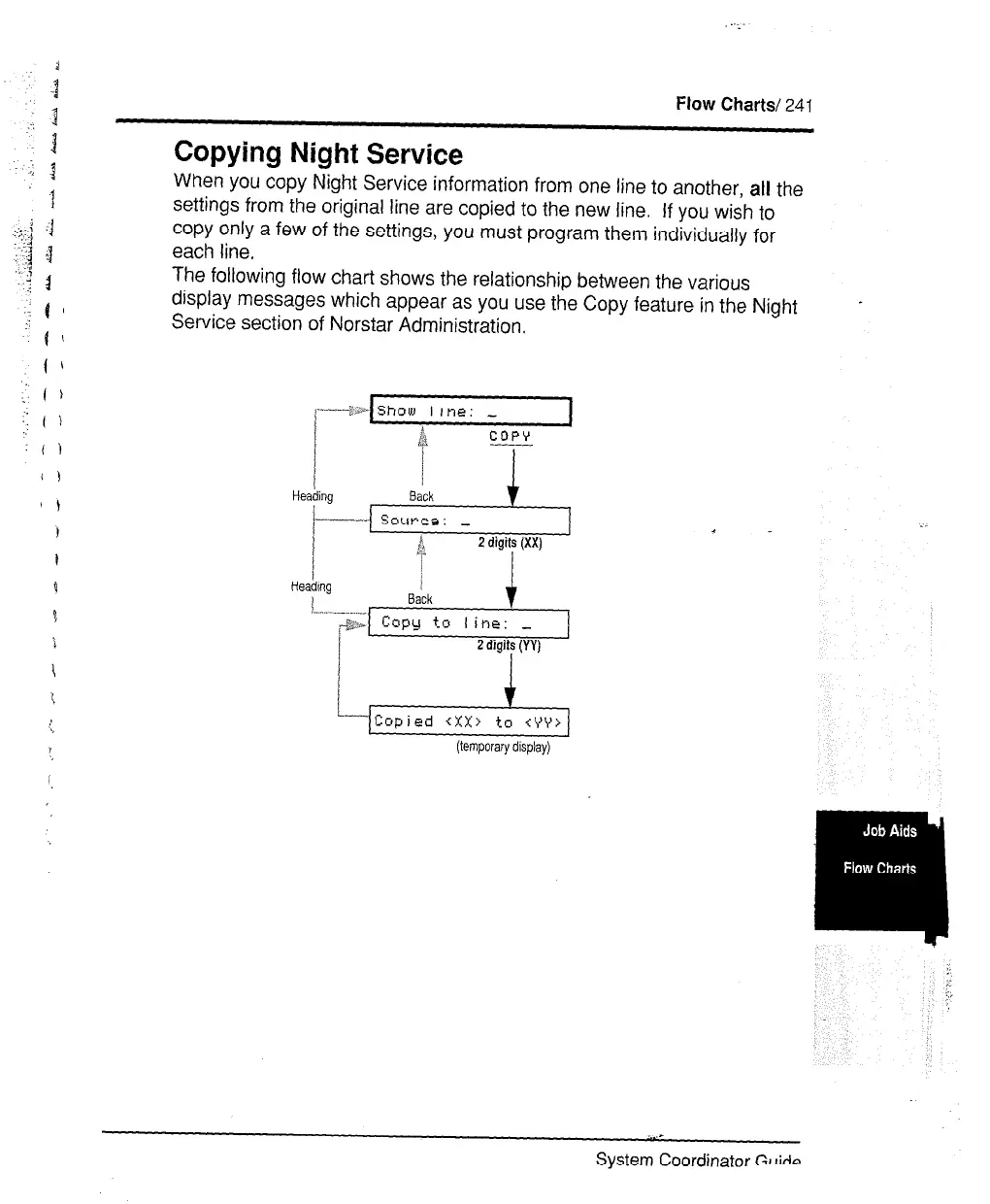
The following flow chart shows the relationship between the various
display messages which appear as you use the Copy feature in the Night
Service section of Norstar Administration.
.
&z-i-&q
(temporary display)
System Coordinator GI IiAn



 To Next Page